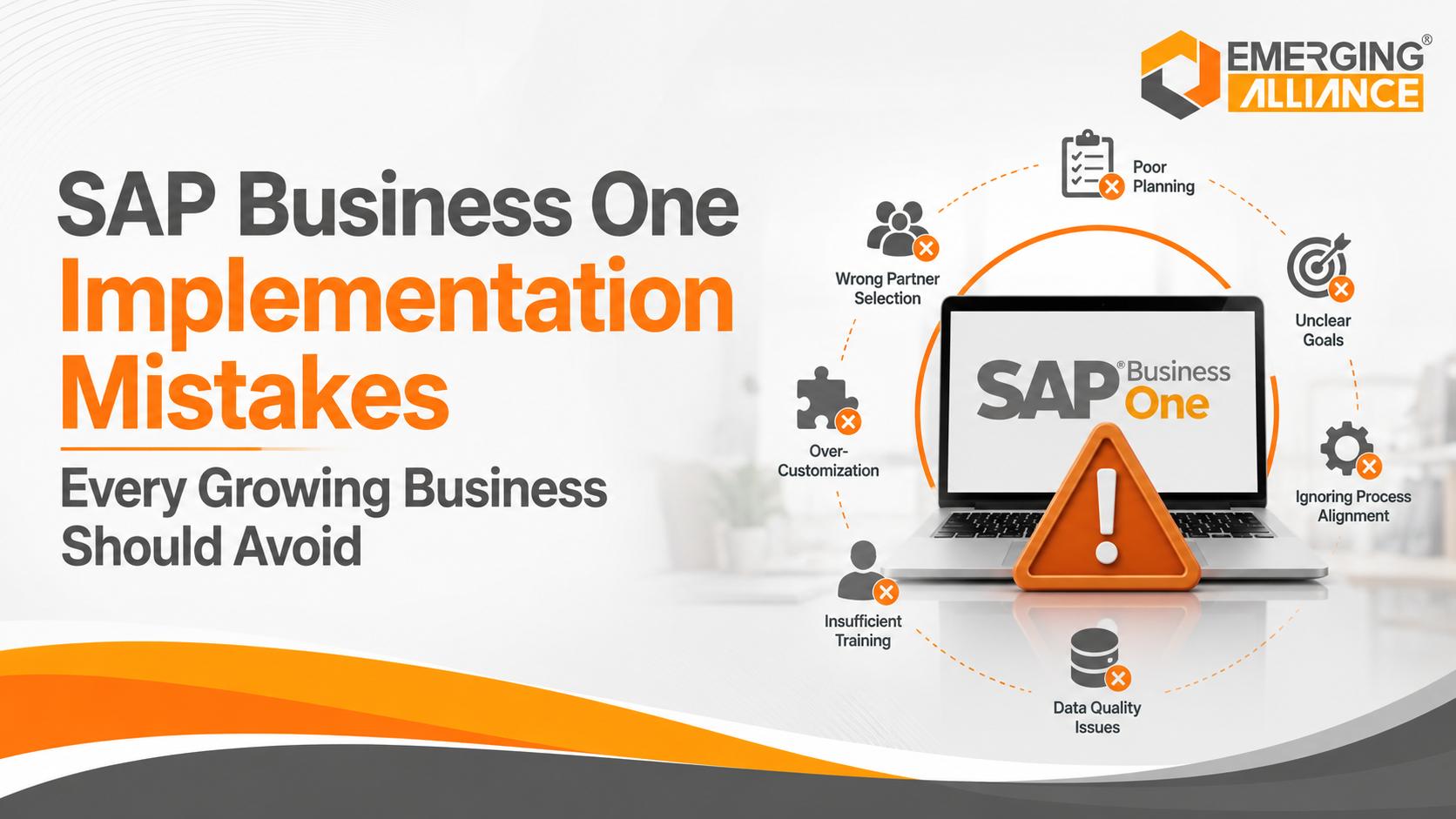
SAP Business One Implementation Mistakes Every Growing Business Should Avoid
Quick Answer
The most common SAP Business One implementation mistakes include unclear objectives, weak process mapping, poor data preparation, excessive customization, inadequate user training, incomplete integration planning, unrealistic schedules, insufficient testing, and limited post-go-live support. These errors increase project cost, delay deployment, reduce adoption, and weaken ERP value. A successful implementation follows a phased methodology with clear ownership, validated business requirements, controlled scope, trained users, tested workflows, and structured support after go-live.
Why SAP Business One Implementations Go Off Track
Selecting the right ERP platform does not automatically guarantee a successful project. SAP Business One must be aligned with business objectives, operating processes, data, users, integrations, and governance. When implementation is treated as a technical installation rather than a business transformation initiative, organizations are more likely to experience scope creep, rework, low adoption, reporting problems, and delayed return on investment.
SAP’s recommended implementation approach is structured around clear phases: project preparation, business blueprint, project realization, final preparation, and go-live with support. Each phase introduces milestones and sign-offs that help control scope and reduce risk. Growing businesses should use the same disciplined logic even when the implementation is relatively small.
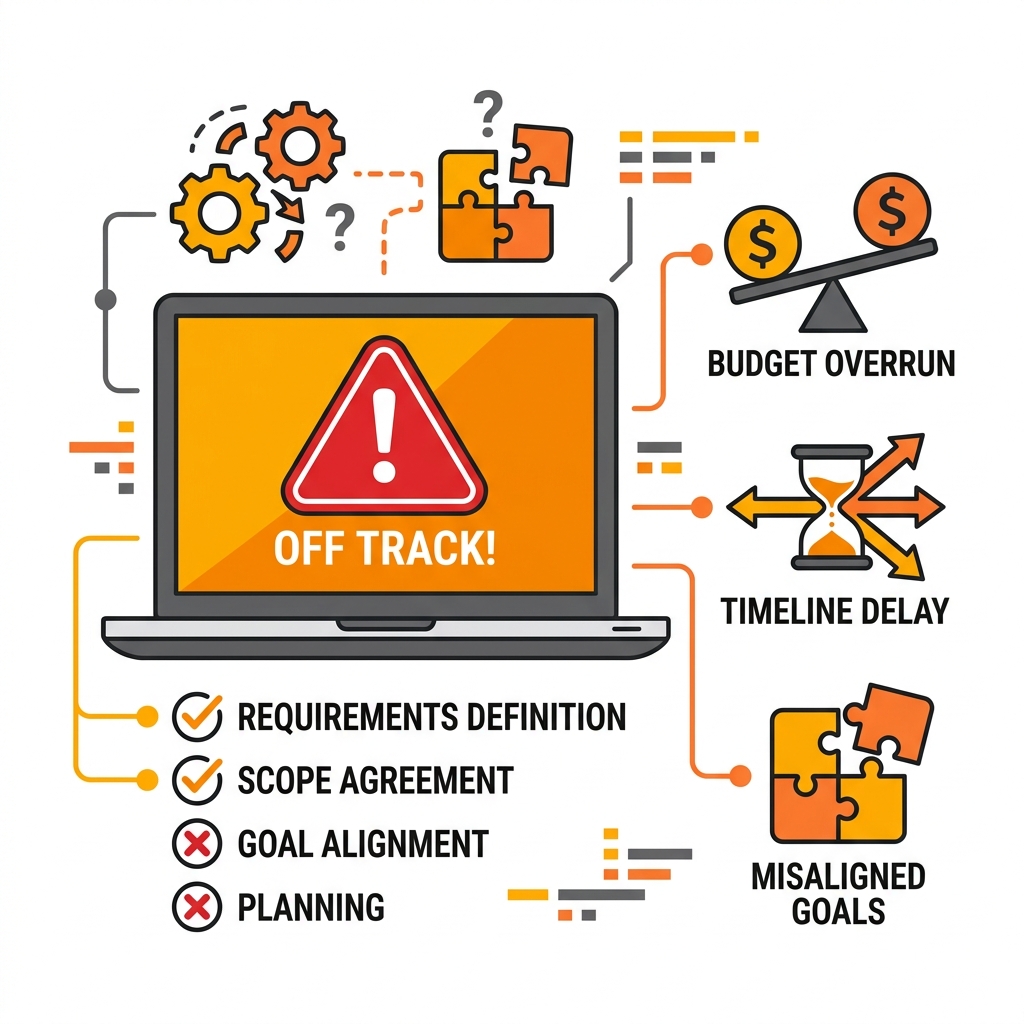
ERP implementation success depends on process clarity, data quality, and decision-making discipline rather than speed.
Key takeaway: ERP implementation success depends less on deployment speed and more on process clarity, data quality, user readiness, decision-making discipline, and partner capability.
Top 10 SAP Business One Implementation Mistakes to Avoid
1. Starting Without Clear Business Goals
Many projects begin with a general desire to modernize operations, but no measurable definition of success. Teams then prioritize software features instead of business outcomes, making it difficult to control scope or evaluate value.
Business impact
- Changing priorities and conflicting departmental requests
- Budget overruns caused by expanding scope
- Weak executive visibility into project progress
- No reliable baseline for measuring ROI
How to avoid it
- Define three to five measurable business outcomes before configuration.
- Connect each objective to a KPI, owner, and target date.
- Prioritize requirements according to business value and implementation risk.
- Use approved objectives to evaluate every change request.
Practical example: A manufacturer may target higher inventory accuracy and faster production planning, while a distributor may prioritize order fulfilment speed and stock visibility.
2. Choosing the Wrong SAP Business One Partner
The implementation partner influences process design, configuration quality, risk management, training, data migration, testing, and long-term support. Selecting only on the lowest quote can create larger costs later.
Business impact
- Unnecessary customization and technical debt
- Missed industry-specific requirements
- Weak project governance and documentation
- Limited training or post-go-live assistance
How to avoid it
- Assess relevant industry and process experience.
- Review the proposed methodology, deliverables, assumptions, and exclusions.
- Verify consultant capability, references, support coverage, and escalation paths.
- Evaluate how the partner challenges poor requirements—not only how quickly it agrees to them.
Practical example: The strongest partner behaves as a business consultant and implementation advisor, not merely a software installer.
3. Skipping Business Process Mapping
Configuring SAP Business One before documenting current and future workflows often transfers inefficient practices into the new ERP. The system may technically work while business performance remains unchanged.
Business impact
- Duplicate approvals and redundant data entry
- Manual spreadsheet reporting outside the ERP
- Inconsistent purchasing, inventory, or finance practices
- Higher customization caused by unclear process ownership
How to avoid it
- Document the current-state workflow and its bottlenecks.
- Define the future-state process, controls, roles, and approvals.
- Standardize cross-functional processes before configuration.
- Record confirmed requirements in a signed business blueprint.
Practical example: Process workshops should include functional leads from finance, sales, purchasing, inventory, production, service, and other affected areas.
4. Poor Data Migration Planning
Data migration frequently takes longer than expected because legacy data is incomplete, duplicated, inconsistent, or difficult to map. Migrating poor-quality data immediately reduces confidence in the new ERP.
Business impact
- Duplicate business partners and item records
- Incorrect stock quantities, prices, and opening balances
- Incomplete supplier, customer, or tax information
- Inaccurate reports and operational disruption after go-live
How to avoid it
- Identify required master and transactional data early.
- Clean, standardize, map, and approve data before import.
- Complete multiple trial migrations and reconcile results.
- Assign business owners—not only IT—to validate migrated data.
Practical example: SAP Business One supports structured data transfer, but tools cannot replace business validation and reconciliation.
5. Excessive Customization Before Go-Live
Trying to reproduce every legacy workflow increases cost, complexity, testing effort, upgrade risk, and dependency on custom code. Standard capabilities should be evaluated before development is approved.
Business impact
- Preserving outdated or inefficient processes
- Department-level feature requests without enterprise value
- Longer implementation cycles and more regression testing
- Higher maintenance and upgrade effort
How to avoid it
- Configure standard functionality first.
- Document genuine functional gaps after process testing.
- Approve customization only when business value is measurable.
- Defer non-critical enhancements until the core system stabilizes.
Practical example: A phased enhancement backlog is often safer than attempting to deliver every request in the initial go-live.
6. Ignoring Employee Training and Change Management
ERP adoption is a business outcome, not an automatic result of system availability. Late training and weak communication leave employees unprepared, increasing resistance and manual workarounds.
Business impact
- Low usage and inconsistent transaction processing
- Data entry errors and increased support tickets
- Parallel spreadsheets that weaken the single source of truth
- Reduced productivity during the transition
How to avoid it
- Communicate project objectives and process changes early.
- Involve key users in workshops, testing, and decisions.
- Deliver role-based, scenario-based training before go-live.
- Develop super users and provide reinforcement after deployment.
Practical example: Training should explain both how to complete a task and why the new process improves control, accuracy, or service.
7. Poor Integration Planning
SAP Business One may need to exchange data with CRM, e-commerce, payroll, logistics, barcode, banking, tax, or analytics platforms. Treating integration as a late technical task can create duplicate work and inconsistent data.
Business impact
- Manual re-entry and reconciliation
- Conflicting customer, order, stock, or financial information
- Delayed updates between business systems
- Security, ownership, and monitoring gaps
How to avoid it
- Create an application and interface inventory during discovery.
- Define the source of truth for each data object.
- Document integration frequency, failure handling, security, and ownership.
- Test complete cross-system workflows before go-live.
Practical example: Integration design should address not only connectivity but also governance, exception handling, monitoring, and support responsibility.
8. Setting an Unrealistic Implementation Timeline
A fixed go-live date that ignores process complexity, data readiness, integrations, customization, resource availability, and testing creates avoidable risk. Implementation duration varies by scope; it should not be presented as a universal standard.
Business impact
- Incomplete requirements and rushed configuration
- Reduced training and testing time
- Poor documentation and unresolved issues
- Expensive correction after the system enters production
How to avoid it
- Estimate the schedule from scope and dependencies.
- Set milestone-based readiness criteria rather than relying only on dates.
- Include time for reviews, trial migrations, testing, and issue correction.
- Escalate resource or scope conflicts early.
Practical example: A smaller finance-and-sales deployment may require less effort than a multi-location manufacturing implementation with production, warehouse, and external integrations.
9. Inadequate Testing Before Go-Live
Testing only isolated screens does not prove that the business can operate end to end. Key users must validate real scenarios, exceptions, integrations, authorizations, reports, and financial impact.
Business impact
- Incorrect postings or opening balances
- Inventory, purchasing, or sales process failures
- Broken interfaces and reporting discrepancies
- Operational disruption immediately after deployment
How to avoid it
- Complete functional, integration, security, and performance testing.
- Run end-to-end User Acceptance Testing with business users.
- Record issues, assign owners, retest fixes, and obtain sign-off.
- Use a formal go-live readiness checklist with no unresolved critical defects.
Practical example: A useful order-to-cash test covers quotation, sales order, delivery, invoice, receipt, inventory impact, accounting entries, and management reporting.
10. Neglecting Post-Go-Live Support and Optimization
Go-live is the start of production usage, not the end of implementation. Users encounter real exceptions, new process questions, reporting needs, and adoption barriers during the stabilization period.
Business impact
- Slow issue resolution and declining confidence
- Incorrect transactions or inconsistent work practices
- Missed process improvement opportunities
- Low realization of expected business benefits
How to avoid it
- Define a hypercare period with clear support ownership.
- Monitor critical issues, transaction quality, adoption, and performance.
- Provide follow-up training and refine documentation.
- Conduct a formal optimization review after stabilization.
Practical example: SAP’s implementation guidance recommends a defined support period and a subsequent review to assess performance and plan improvements.
SAP Business One Implementation Best Practices
Use this checklist to convert the ten risks into project controls. Each item should have a named owner, completion evidence, and sign-off criteria.
| Control | Required action |
|---|---|
| Define measurable objectives | Set operational and financial targets before solution design. |
| Establish project governance | Confirm sponsors, project managers, functional leads, decision rights, escalation routes, and meeting cadence. |
| Complete the business blueprint | Document approved future-state processes, system scope, reports, integrations, and controls. |
| Control scope and customization | Use a formal change-request process with business justification, cost, timeline, and risk impact. |
| Prepare and validate data | Clean, map, migrate, reconcile, and approve data through repeated cycles. |
| Train users by role | Provide practical learning using realistic transactions and exceptions. |
| Test end-to-end workflows | Validate integrations, reports, security, controls, and accounting impact. |
| Approve go-live readiness | Require sign-off for users, data, infrastructure, cutover, support, and critical defects. |
| Plan hypercare and optimization | Provide rapid support, KPI monitoring, refresher training, and a post-implementation review. |
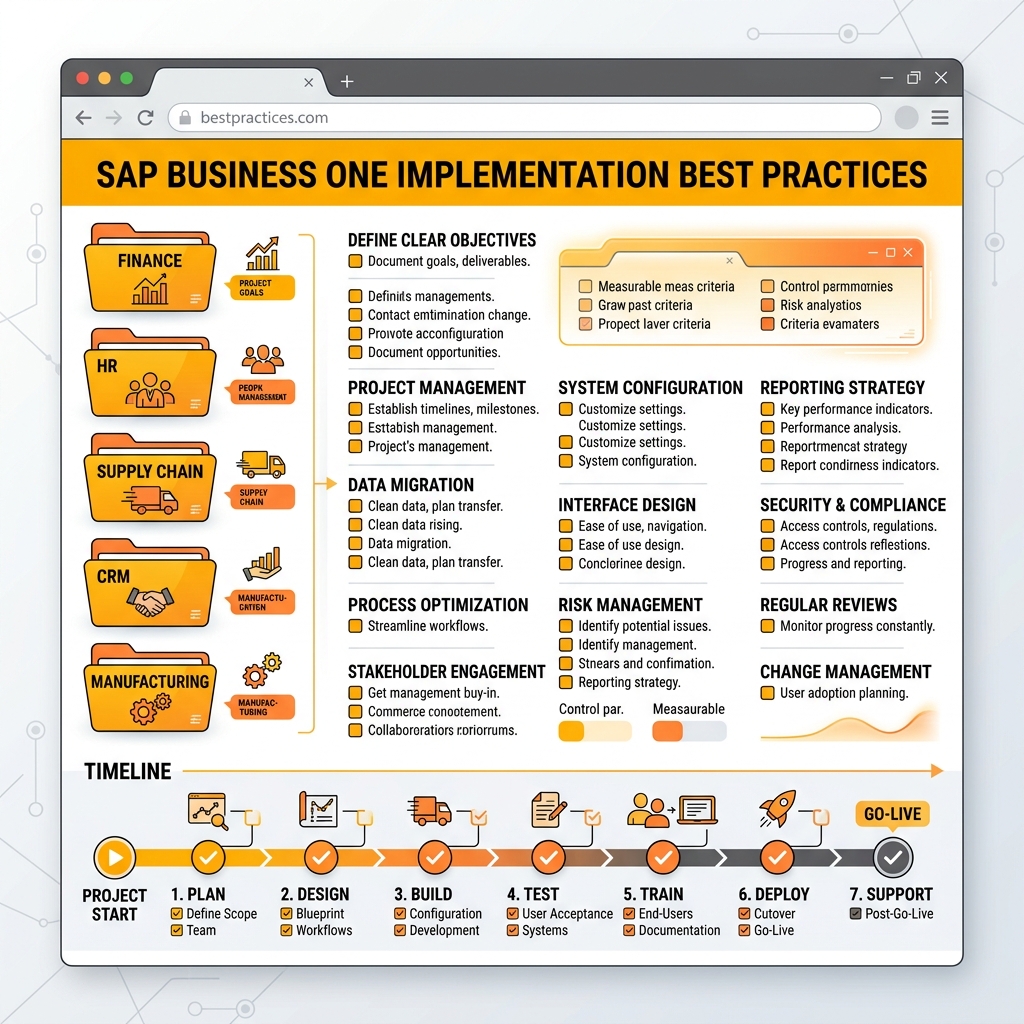
Following structured best practices and control milestones ensures a successful, low-risk SAP Business One deployment.
SAP Business One Implementation Roadmap
The roadmap below follows a controlled, phase-based implementation model. Phase names may vary by partner, but the project controls should remain consistent.
| Phase | Key activities | Business outcome |
|---|---|---|
| 1. Project Preparation | Objectives, scope, budget, governance, team, project plan, kickoff | Approved implementation strategy |
| 2. Business Blueprint | Process workshops, requirements, reports, integrations, data assessment, gap analysis | Signed solution blueprint and controlled scope |
| 3. Project Realization | Configuration, approved customization, integration build, trial migration, unit and process testing | Configured and validated solution |
| 4. Final Preparation | UAT, user training, cutover planning, final migration, readiness review, go-live approval | Users and system ready for production |
| 5. Go-Live and Support | Production deployment, hypercare, issue resolution, monitoring, handover, optimization review | Stable operations and continuous improvement |
Why Choose Emerging Alliance for SAP Business One Implementation
A successful implementation partner should combine SAP Business One capability with process consulting, project governance, industry knowledge, adoption support, and long-term optimization. Emerging Alliance supports growing businesses across the implementation lifecycle—from discovery and business blueprinting to configuration, data migration, testing, training, go-live, and continuous improvement.
Positioning: Emerging Alliance should be presented as a business transformation and enterprise solutions partner—not only as a software implementation provider.
Frequently Asked Questions
Conclusion
SAP Business One implementation success is built on clear objectives, disciplined scope, well-designed processes, reliable data, prepared users, complete testing, and structured support. Avoiding the ten mistakes in this guide helps growing businesses reduce disruption, improve adoption, protect project budgets, and achieve value sooner. The strongest implementations treat ERP as a controlled business transformation program rather than a one-time software installation.
Book a SAP Business One Demo
See how SAP Business One can simplify your operations, reduce implementation risks, and support scalable growth. Connect with Emerging Alliance for a free personalized demonstration and practical guidance on your business processes, data readiness, integration requirements, and implementation roadmap.