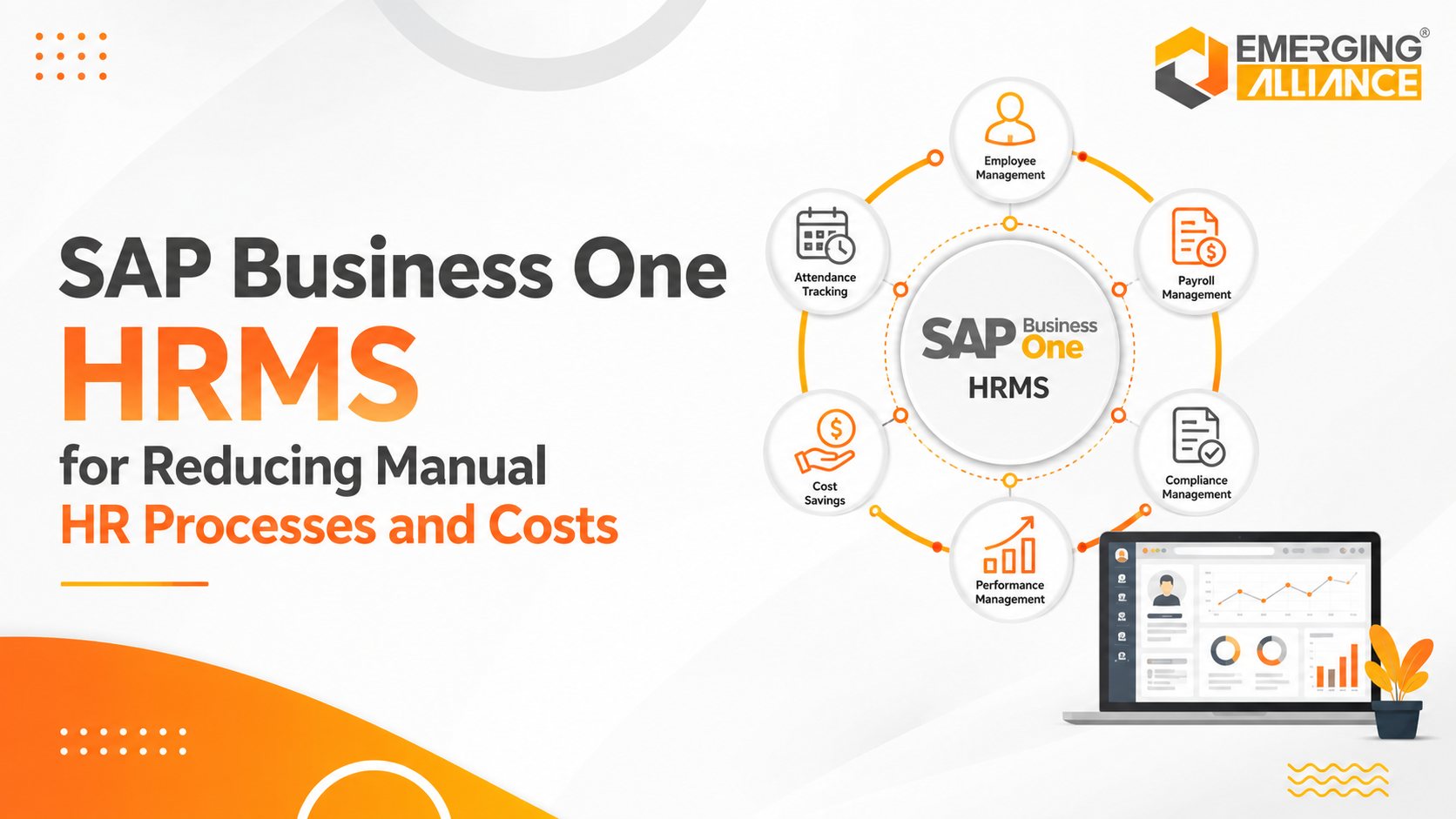
SAP Business One HRMS for Reducing Manual HR Processes and Costs
SAP Business One HRMS for Higher Productivity and Lower HR Overhead
Growing businesses rarely struggle because HR lacks effort. They struggle because payroll inputs, attendance records, leave approvals, employee documents, and management reports sit in disconnected systems. Every payroll cycle then requires reconciliation, follow-up, correction, and repeated data entry. An SAP Business One HRMS solution connects core workforce processes with the wider SAP Business One environment. Depending on the selected solution and country localization, it can centralize employee data, automate attendance and leave workflows, support payroll processing, provide employee self-service, and improve workforce reporting.
The business objective is straightforward: reduce HR administration, improve data accuracy, shorten process cycles, and give managers reliable workforce information without adding headcount every time the organization grows.
What Is SAP Business One HRMS?
SAP Business One HRMS refers to an HR management solution designed to work with SAP Business One. It may be delivered as an add-on, localized payroll product, partner solution, or integrated application. The exact modules, statutory coverage, and employee self-service capabilities vary by provider and country.
A suitable solution should create a controlled flow between employee master data, attendance, leave, payroll inputs, approvals, documents, and financial reporting. The value comes from eliminating fragmented HR administration—not from adding another isolated application.
Why Manual HR Processes Increase Operating Costs
| Manual process | Operational problem | Business impact |
| Attendance reconciliation | HR exports biometric or spreadsheet records, corrects exceptions, and prepares payroll inputs manually. | Longer payroll preparation, disputed records, and avoidable rework. |
| Payroll preparation | Salary components, overtime, leave deductions, incentives, and statutory values are combined from separate sources. | Calculation errors, delayed payroll, correction effort, and compliance exposure. |
| Leave administration | Requests and approvals move through emails, paper forms, or disconnected portals. | Approval bottlenecks, inaccurate balances, and poor resource planning. |
| Employee records | Contracts, certifications, salary revisions, and personal data are stored across folders and spreadsheets. | Duplicate data, missing documents, slow retrieval, and weak audit readiness. |
| HR reporting | Management reports require manual consolidation of payroll, attendance, leave, and headcount data. | Delayed decisions and limited workforce visibility. |
| Routine employee queries | Employees contact HR for payslips, leave balances, approval status, and record updates. | Higher support workload and slower employee service. |
Core HR Challenges an SAP Business One HRMS Can Address
Payroll data consolidation
Attendance, leave, overtime, salary structures, reimbursements, and statutory deductions can be brought into a controlled payroll process. This reduces repeated data preparation and makes exceptions easier to review before payroll is finalized.
Business outcome: Faster payroll preparation, fewer corrections, clearer controls, and more consistent employee payments.
Attendance and shift control
Integrated attendance rules can apply shifts, holidays, overtime, missing-punch exceptions, late arrivals, and absence policies using one data set.
Business outcome: More accurate payroll inputs, better workforce visibility, and less reconciliation work.
Leave requests and approvals
Digital leave workflows can calculate balances, route requests to the correct manager, record decisions, and update availability.
Business outcome: Shorter approval cycles, accurate balances, and improved workforce scheduling.
Employee master data and documents
A central employee record can store employment details, organizational assignments, compensation history, qualifications, contracts, and compliance documents.
Business outcome: A reliable source of workforce information, faster retrieval, and stronger audit preparation.
Employee and manager self-service
Depending on the selected solution, employees may access payslips, balances, attendance records, requests, and selected profile updates while managers review team information and approvals.
Business outcome: Fewer routine HR queries, faster service, and greater process transparency.
HR analytics and reporting
Dashboards and configurable reports can bring together headcount, attendance, absence, payroll, overtime, turnover, and departmental data.
Business outcome: Faster reporting, better workforce planning, and evidence-based management decisions.
Key Capabilities to Evaluate
Buyers should evaluate capabilities against actual business processes, country requirements, and the integration architecture. A long feature list is less important than reliable process coverage and controlled data flow.
Employee lifecycle management: Employee master data, onboarding, transfers, promotions, separations, documents, and organizational structures.
Time and attendance: Biometric or device integration, shifts, overtime, holidays, exceptions, and attendance approval.
Leave management: Policies, accruals, balances, requests, multi-level approvals, and calendars.
Payroll and statutory processing: Salary structures, deductions, benefits, reimbursements, taxes, statutory calculations, bank files, and posting logic—subject to country localization.
Workflow automation: Rules and approvals for leave, payroll changes, claims, transfers, recruitment, and HR exceptions.
Employee self-service: Payslips, leave, attendance, documents, requests, and profile updates.
Reporting and analytics: Headcount, payroll, overtime, absence, turnover, departmental analysis, and audit reports.
Integration and security: SAP Business One data synchronization, role-based access, audit trails, APIs, and controlled financial postings.
Manual HR Processes vs SAP Business One HRMS
| Area | Manual approach | Integrated HRMS approach |
| Employee data | Spreadsheets and separate files | Central employee records with controlled access |
| Attendance | Manual exports and reconciliation | Automated rules, exceptions, and approvals |
| Leave | Email or paper requests | Digital requests, balances, and workflows |
| Payroll inputs | Compiled from multiple sources | Connected attendance, leave, and employee data |
| Approvals | Email follow-up | Configured workflows and audit trails |
| Employee service | HR handles routine requests | Self-service where supported |
| Reporting | Monthly manual consolidation | Configurable dashboards and reports |
| Compliance records | Scattered documentation | Central records and audit-ready reporting |
Business Benefits of SAP Business One HRMS
Lower HR administration costs
Automation reduces the time spent preparing payroll, reconciling attendance, updating leave balances, locating documents, and compiling reports.
Improved payroll control
Connected data and approval checks reduce avoidable calculation mistakes and make payroll exceptions easier to identify.
Faster employee service
Self-service and workflow notifications shorten routine request and approval cycles.
Better compliance readiness
Central records, controlled access, and audit trails make statutory reporting and internal review more manageable.
Stronger workforce visibility
Management can monitor headcount, overtime, absence, payroll cost, and workforce trends using consistent data.
Scalable HR operations
Standardized processes allow the HR function to support workforce growth without a proportional increase in administrative work.
Better use of HR expertise
HR professionals can spend more time on recruitment quality, workforce planning, employee development, retention, and organizational change.
How to Build a Business Case
A credible HRMS business case should start with the current cost of manual work. Measure the baseline before discussing software features.
- Hours spent each month preparing payroll and correcting errors.
- Hours spent reconciling attendance and leave records.
- Average approval turnaround time for leave, claims, and employee changes.
- Number of routine HR queries handled each month.
- Time required to produce management and compliance reports.
- Cost of duplicate data entry, payroll corrections, and audit preparation.
- Expected workforce growth over the next two to three years.
Use these measures to define post-implementation targets. Avoid assuming a fixed percentage saving before process scope, data quality, and automation coverage have been assessed.
SAP Business One HRMS Evaluation Checklist
| Evaluation area | Question to verify |
| SAP Business One integration | Which employee, payroll, finance, cost-centre, and journal data will be synchronized? |
| Country localization | Does the solution support the required payroll rules, statutory reports, tax calculations, and labour requirements? |
| Attendance integration | Can it connect with existing biometric devices, shifts, factories, sites, and overtime policies? |
| Payroll controls | Are maker-checker controls, approvals, variance checks, bank files, payslips, and posting processes available? |
| Employee self-service | Which functions are available on desktop and mobile, and how is access secured? |
| Workflow flexibility | Can approval paths reflect departments, locations, grades, value limits, and exception rules? |
| Reporting | Can HR, finance, and leadership obtain the required dashboards without spreadsheet consolidation? |
| Data migration | How will employee history, balances, salary data, documents, and opening values be validated? |
| Security and privacy | Does the solution support role-based access, audit trails, retention rules, backups, and applicable data-protection requirements? |
| Scalability and support | Can the solution support additional entities, locations, employees, and policy changes, with reliable post-go-live support? |
Implementation Approach for Lower Risk
1. Process assessment
Map payroll, attendance, leave, employee-data, approval, reporting, and compliance processes. Identify duplication, exceptions, controls, and local requirements.
2. Scope and solution fit
Confirm which capabilities are standard, localized, configurable, integrated, or custom. Document exclusions before contracting.
3. Data preparation
Clean employee records, salary structures, leave balances, attendance rules, organizational data, and historical documents.
4. Configuration and integration
Configure policies, workflows, roles, devices, interfaces, reporting, and financial posting logic.
5. Testing
Run process tests, security tests, statutory checks, and at least one parallel payroll cycle before production use.
6. Training and adoption
Train HR administrators, payroll users, managers, and employees using role-specific scenarios.
7. Controlled go-live
Use a cutover checklist, reconciled opening data, support ownership, escalation paths, and post-go-live review.
Why Emerging Alliance
Emerging Alliance supports businesses that want to connect HR processes with their SAP Business One environment. The engagement should begin with process discovery—not a predefined feature list. The objective is to identify where manual effort, duplicate data, approval delays, payroll risk, and reporting gaps create avoidable cost.
A structured engagement can include process assessment, solution-fit analysis, integration design, data migration planning, workflow configuration, testing, user training, and post-go-live optimization. This helps ensure the selected HRMS supports actual operating requirements and remains scalable as the workforce grows.
Conclusion
Manual HR processes become expensive when workforce growth increases payroll inputs, attendance exceptions, leave requests, employee documents, approvals, and reporting requirements. Adding more spreadsheets or isolated tools usually shifts the workload rather than removing it.
A properly selected SAP Business One HRMS solution can centralize workforce information, automate routine processes, improve payroll and attendance controls, shorten approvals, and provide stronger management visibility. The result is a more scalable HR operation with lower administrative overhead and better support for business decisions.
Before selecting a solution, verify the exact country localization, payroll scope, integration method, security controls, implementation responsibilities, and support model. These factors determine whether the HRMS delivers measurable business value after go-live.
Ready to assess your HR processes?
Contact Emerging Alliance for an SAP Business One HRMS process assessment covering manual workload, payroll controls, attendance and leave workflows, integration requirements, reporting gaps, and implementation priorities.