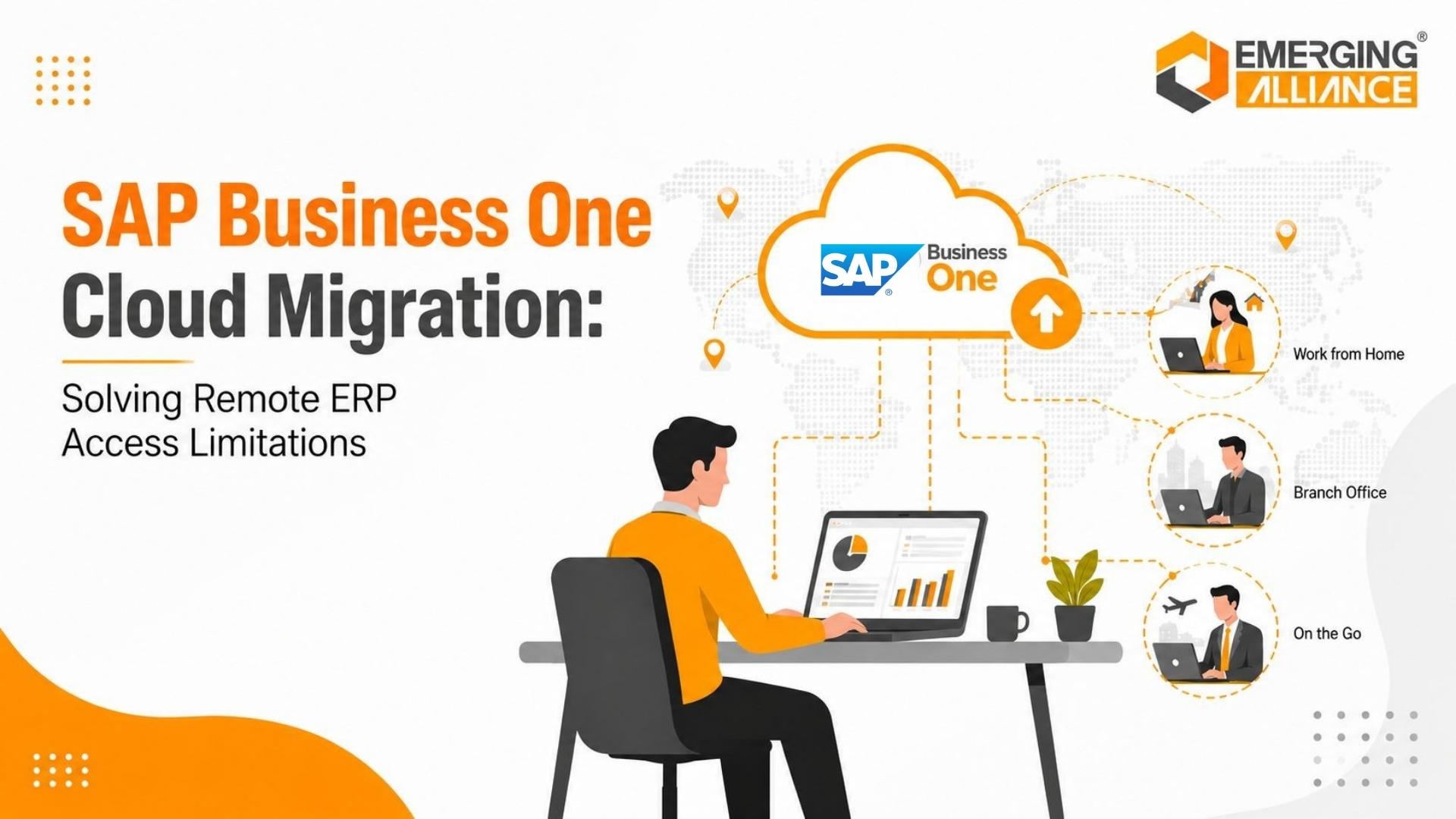
SAP Business One Cloud Migration: Solving Remote ERP Access Limitations
Quick Answer
SAP Business One cloud migration can reduce remote ERP access limitations by moving the ERP environment away from dependence on office-hosted infrastructure. A properly designed cloud environment gives approved users more consistent access across branches, remote locations, and business travel while supporting security, backup, recovery, and centralized administration.
The real issue is often not SAP Business One itself. It is an infrastructure model built around employees working from one physical office.
Why Remote SAP Business One Access Becomes a Business Problem
SAP Business One environments are often initially designed around users working inside a corporate network.
Over time, the business changes.
Executives travel. New branches open. Finance teams work from different locations. Operations managers move between warehouses or plants. Hybrid work becomes normal.
However, the ERP infrastructure may still depend on:
- An office-hosted server
- Local network connectivity
- Headquarters internet availability
- VPN connections
- Remote desktop tools
- Manual report sharing
- IT support for remote connectivity

ERP accessibility issues affect operational responsiveness, management visibility, and business continuity when dependent on office-hosted infrastructure.
This creates friction whenever employees need ERP information outside the office.
A CEO travelling between locations may need current sales or financial information before approving a decision. A finance manager may need to review receivables or transactions remotely. An operations leader visiting a warehouse may need current inventory visibility.
When accessing SAP Business One is slow, unstable, or dependent on IT intervention, business decisions can be delayed by the infrastructure supporting the ERP.
Remote ERP accessibility therefore becomes more than an IT convenience issue. It affects operational responsiveness, management visibility, and business continuity.
The Operational Impact of Limited ERP Accessibility
SAP Business One supports transactions and information that influence daily business decisions.
When ERP access becomes difficult, the impact can extend across multiple functions.
Delayed Management Decisions
Executives should be able to review relevant ERP information when a decision is required.
If management must contact someone at headquarters to export a report, the information may already be outdated by the time it reaches the decision-maker.
Slower Finance Processes
Finance teams may need remote access to review:
- Receivables
- Payments
- Customer balances
- Transactions
- Financial reports
- Approval-related information
Restricted access can slow activities that are already time-sensitive.
Reduced Operational Visibility
Operations managers frequently need visibility into inventory, purchasing, sales orders, and fulfillment.
If those employees can access SAP Business One efficiently only from headquarters, decision-making becomes unnecessarily location-dependent.
Increased IT Dependency
Remote-access issues can create repeated support requests involving VPN connections, remote desktop sessions, user configurations, or office connectivity.
IT then spends time maintaining access workarounds instead of improving the broader ERP environment.
Greater Business Continuity Risk
The most serious limitation appears when the main office or its infrastructure becomes unavailable.
If ERP accessibility depends heavily on one office network, local server environment, or connectivity path, a local disruption can affect employees who are otherwise capable of continuing their work.
For business leaders, the important question is not simply:
Can employees technically access SAP Business One remotely?
The better question is:
Can they access it reliably enough to continue important business processes when working outside the office?
Why Traditional Remote Access Workarounds Become Difficult to Scale
VPNs and remote desktop technologies are not inherently poor solutions.
For a small number of occasional remote users, they may work perfectly well.
The challenge appears as the business expands.
More branches, distributed employees, travelling executives, integrations, and frequent remote usage can expose weaknesses in an office-centered infrastructure model.
VPN Dependency
A VPN may provide secure connectivity into the corporate network, but the SAP Business One environment remains dependent on headquarters infrastructure.
If the office internet connection or local server environment has an issue, remote users can still lose access.
Remote Desktop Complexity
Remote desktop access can extend SAP Business One availability beyond the office, but it may introduce additional administration, licensing, performance, session management, and support requirements.
Manual Report Distribution
Sending exported reports through email avoids direct remote ERP access, but it creates another problem: users receive static information instead of interacting with live business processes.
If they need another figure or drill-down, they must request another report.
Multiple Access Methods
As businesses expand, separate remote-access methods may emerge for executives, branch users, administrators, and other teams. The result can become difficult to support consistently.
These approaches often extend an office-based infrastructure model rather than redesigning it.
That is where cloud migration becomes relevant.
How SAP Business One Cloud Migration Improves Remote Access
SAP Business One cloud migration changes where the ERP environment operates and how users connect to it.
Instead of making headquarters the central infrastructure dependency, SAP Business One and its supporting components can operate within a cloud environment designed around centralized accessibility.
Depending on the architecture, this can support:
- Multiple branches
- Remote employees
- Travelling executives
- Finance teams
- Sales teams
- Warehouse and operations leaders
- Administrators working across locations
The distinction between remote access and cloud migration is important.
Remote access typically creates another route into infrastructure that remains hosted at the office.
Cloud migration relocates the relevant SAP Business One workload to infrastructure that can be planned around:
- Remote connectivity
- Availability
- Capacity
- Security
- Backup
- Disaster recovery
- Monitoring
- Administration
The objective should not simply be to place SAP Business One on another server.
The objective is to create an infrastructure model that supports how the organization now operates.
SAP Business One Cloud Hosting and Centralized Accessibility
A centralized SAP Business One cloud hosting model can provide users in different locations with a more consistent way to reach the ERP environment.
Consider a company operating from headquarters, two branches, and several warehouses.
With an office-hosted model, remote locations may depend heavily on connectivity back to headquarters.
A centralized cloud architecture can reduce that physical dependency.
This can be particularly valuable when:
- Branches require regular ERP access
- Executives travel frequently
- Finance teams work across locations
- Businesses operate hybrid work models
- Additional locations are being opened
- Headquarters infrastructure is becoming a bottleneck
Centralization does not automatically guarantee better performance or security.
Those outcomes depend on the quality of the architecture, connectivity, infrastructure sizing, configuration, and operational management.
That is why SAP Business One cloud migration should be treated as an infrastructure transformation project rather than simply a server relocation exercise.
Secure SAP Business One Remote Access After Migration
Remote accessibility should never mean unrestricted accessibility.
Security requirements must be incorporated into the migration architecture from the beginning.
Identity and Authentication
The organization should clearly define:
- Who can access the ERP
- How users authenticate
- How credentials are protected
- How access is revoked
- How administrative users are controlled
User access should follow documented business requirements rather than being broadly enabled because the system is remotely available.
Role-Based SAP Business One Permissions
Existing SAP Business One authorizations should remain aligned with employee responsibilities.
Moving the environment to the cloud should not automatically expand what users can view, approve, modify, or export.
Secure Connectivity
The connection method should match the organization’s security requirements and target architecture.
This may involve secure private connectivity, controlled remote access, or other approved access mechanisms.
Endpoint Security
Cloud infrastructure can still be exposed through poorly managed user devices.
Organizations therefore need policies covering:
- Approved devices
- Credential management
- Endpoint protection
- Software updates
- Device access
- User responsibilities
Backup and Recovery
Cloud migration should include a documented backup and recovery strategy.
Management should understand:
- What is backed up
- How frequently backups occur
- Where backups are stored
- Who manages recovery
- How restoration is tested
Monitoring and Administration
Administrative responsibilities should also be clearly defined.
The business should know who manages:
- Infrastructure monitoring
- Security events
- Patching
- User access
- Database administration
- Backup verification
- Performance issues
- Incident response
The important question for CEOs, CIOs, and CTOs is therefore not whether “the cloud is secure.”
The meaningful question is whether the proposed SAP Business One cloud solution has security controls appropriate to the organization.
Business Continuity Beyond the Main Office
One of the strongest strategic arguments for changing an office-dependent ERP architecture is business continuity.
Imagine that the headquarters network becomes unavailable.
Employees at other locations may still have laptops, internet connectivity, and the ability to work.
But if SAP Business One depends entirely on infrastructure inside the affected office, access to critical ERP processes may still stop.
Those processes can include:
- Customer order visibility
- Purchasing
- Supplier information
- Inventory monitoring
- Receivables
- Payments
- Sales reporting
- Management reporting
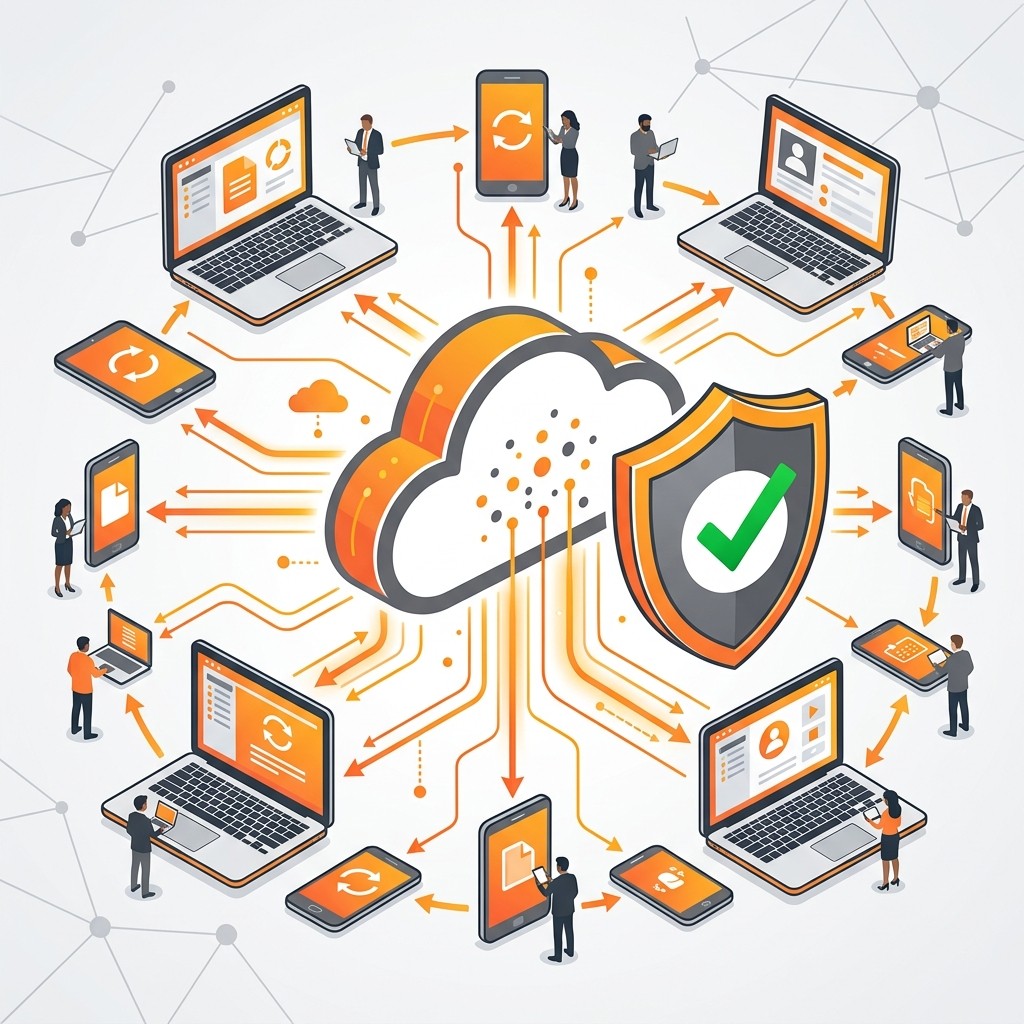
Cloud-hosted ERP environments isolate operations from local office disruptions, maintaining business continuity across branches.
A cloud-hosted architecture can reduce dependence on the physical location where the ERP server was historically installed.
This does not eliminate every business continuity risk.
Internet outages, cloud infrastructure incidents, cyber risks, endpoint issues, and application problems still need to be managed.
However, it can remove the main office itself as a single infrastructure dependency.
What to Evaluate Before Moving SAP Business One to the Cloud
A cloud migration should begin with an assessment of the existing SAP Business One environment.
SAP Business One Version
Confirm the version currently running and identify any compatibility or upgrade requirements that could affect migration.
Database Environment
Determine whether the deployment uses:
- SAP HANA
- Microsoft SQL Server
Each environment has architecture, infrastructure, compatibility, sizing, and support considerations.
Add-Ons
Review every business-critical SAP Business One add-on.
Examples may include solutions for:
- Warehouse management
- Barcode operations
- Banking
- Manufacturing
- Reporting
- E-commerce
- Industry-specific processes
Do not assume an add-on will behave identically after migration.
Integrations
Identify systems exchanging information with SAP Business One.
These may include:
- CRM platforms
- E-commerce platforms
- Banking systems
- Reporting platforms
- External databases
- APIs
- Warehouse systems
- Third-party applications
Connectivity and integration dependencies should be mapped before the target environment is finalized.
Customizations
Custom reports, workflows, integrations, scripts, and other developments should be reviewed for compatibility.
User Locations
Map where users actually work.
Separate requirements for:
- Headquarters users
- Branch users
- Remote employees
- Travelling executives
- Warehouse users
- Administrators
This prevents the infrastructure team from designing a generic environment that does not match real business usage.
Performance Requirements
Understand which users and processes are performance-sensitive. Large reports, integrations, database-heavy activities, and high-volume processes may require specific infrastructure planning.
Security Requirements
Document authentication, access control, endpoint, monitoring, backup, recovery, and administrative requirements before migration begins.
Recovery Expectations
Translate technical recovery into business expectations.
Ask:
- How long can critical ERP processes remain unavailable?
- How much recent data loss can the organization tolerate?
- Which functions must be restored first?
These answers help define appropriate recovery objectives and architecture.
A Practical SAP Business One Cloud Migration Process
A controlled migration should follow a structured sequence.
1. Assess the Existing SAP Business One Environment
Document:
- SAP Business One version
- Database platform
- Current infrastructure
- Add-ons
- Integrations
- Customizations
- User groups
- Locations
- Security requirements
This establishes the migration baseline.
2. Identify the Actual Remote Access Problems
Do not migrate simply because cloud technology is available.
Identify what the business needs to solve.
Examples include:
- Slow VPN access
- Dependence on headquarters
- Poor branch connectivity
- Difficulty supporting remote employees
- Executive access limitations
- Local hardware constraints
- Business continuity concerns
These requirements should influence the target architecture.
3. Map Technical Dependencies
Review how SAP Business One connects with every important system.
Determine whether network routes, database connections, file locations, APIs, or other dependencies need modification.
4. Design the Target Cloud Architecture
Define requirements for:
- Infrastructure capacity
- Connectivity
- Database
- User access
- Authentication
- Security controls
- Backup
- Monitoring
- Disaster recovery
- Administration
The architecture should support both current and expected future usage.
5. Plan Application and Data Migration
Determine:
- What will migrate
- Migration sequence
- Data validation requirements
- Downtime requirements
- Migration responsibilities
- Fallback strategy
A detailed plan reduces uncertainty during cutover.
6. Test the Environment
Testing should cover more than whether SAP Business One opens successfully.
Validate:
- Application functionality
- Database performance
- Reports
- Add-ons
- Integrations
- Customizations
- User permissions
- Security controls
7. Conduct User Acceptance Testing
Test the environment using representative users from different business functions and locations.
Finance, sales, purchasing, inventory, and operations should confirm that critical workflows behave as expected.
8. Execute the Cutover
Coordinate:
- Final migration activities
- Downtime
- User communications
- Access changes
- Validation
- Fallback decisions
- Business ownership
Everyone involved should understand their role.
9. Stabilize and Monitor
After go-live, monitor:
- User access
- Application performance
- Integrations
- Database behavior
- Permissions
- Backup activity
- Support requests
Migration should not be considered complete until the new environment is stable.
Business Benefits of Better SAP Business One Accessibility
The value of cloud migration should be measured through business outcomes rather than cloud adoption itself.
Faster Access to Current Information
Executives and managers can access relevant ERP information without always depending on someone at headquarters to prepare it.
More Consistent Access Across Locations
Branches and distributed teams can work through a more standardized infrastructure model.
Lower Dependence on Local Hardware
Moving SAP Business One workloads away from office-hosted servers can reduce dependence on physical infrastructure located at headquarters.
The financial impact varies by organization and should be evaluated case by case.
Improved Operational Responsiveness
Employees can reach relevant ERP processes closer to where decisions and transactions occur.
Better Infrastructure Scalability
Growing businesses can plan additional users and locations without automatically expanding the physical server environment at headquarters.
Stronger Continuity Planning
Reducing dependence on one office can improve the resilience of the ERP access model.
These benefits depend on appropriate architecture and implementation. Cloud migration alone does not guarantee them.
When SAP Business One Cloud Migration Makes Business Sense
Migration deserves serious evaluation when remote-access limitations have become a recurring business constraint.
Common indicators include:
- Multiple branches depend heavily on headquarters infrastructure
- Executives frequently require ERP access while travelling
- Remote teams regularly use SAP Business One
- VPN or remote desktop performance causes repeated issues
- Local infrastructure requires significant maintenance
- New offices or warehouses are being added
- Business continuity is overly dependent on one location
- Existing infrastructure is approaching capacity
- Remote support requirements are increasing
These conditions do not automatically mean cloud migration is the only solution.
They indicate that the current infrastructure model should be compared against a properly designed cloud alternative based on:
- Business requirements
- Security
- Performance
- Cost
- Compatibility
- Scalability
- Support
- Business continuity
Choosing an SAP Business One Cloud Migration Partner
Moving SAP Business One to the cloud involves considerably more than transferring a database.
The migration partner should understand the complete SAP Business One environment, including:
- SAP Business One architecture
- SAP HANA or SQL Server
- Add-Ons
- Integrations
- Custom developments
- Reports
- User permissions
- Remote connectivity
- Infrastructure
- Backup
- Disaster recovery
- Cutover planning
The partner should also understand why the business is migrating.
If remote access is the primary problem, user locations, connection patterns, performance requirements, and business continuity expectations should influence the architecture.
A credible migration partner should be able to explain:
- What will change
- What will remain unchanged
- Which dependencies require attention
- How access will work
- How security will be handled
- What downtime is expected
- How testing will be performed
- How rollback decisions will be managed
- Who supports the environment after migration
Emerging Alliance can assess an existing SAP Business One environment, identify remote-access limitations, review technical dependencies, and develop a cloud migration roadmap aligned with the organization’s business requirements.
Conclusion
Remote access problems often indicate that the infrastructure surrounding SAP Business One no longer matches how the organization operates.
SAP Business One cloud migration can reduce dependence on office-hosted infrastructure and create a more centralized access model for branches, remote employees, travelling executives, and distributed business teams.
Successful migration, however, depends on more than moving the application.
Businesses should assess SAP Business One versions, databases, add-ons, integrations, customizations, user locations, security controls, backup, recovery, performance, and cutover requirements before deciding on the target environment.
The objective is not simply to adopt cloud infrastructure.
It is to give SAP Business One users secure, reliable ERP accessibility wherever legitimate business operations require it.
Frequently Asked Questions
Move from Office-Dependent ERP Access to a Cloud-Ready SAP Business One Environment
If VPN limitations, branch connectivity, local infrastructure, or remote-access problems are restricting SAP Business One users, the first step is to understand how a cloud-based environment can address these challenges.
Unlock Secure, Anywhere Access to SAP Business One — Book Your Free Demo with Emerging Alliance.