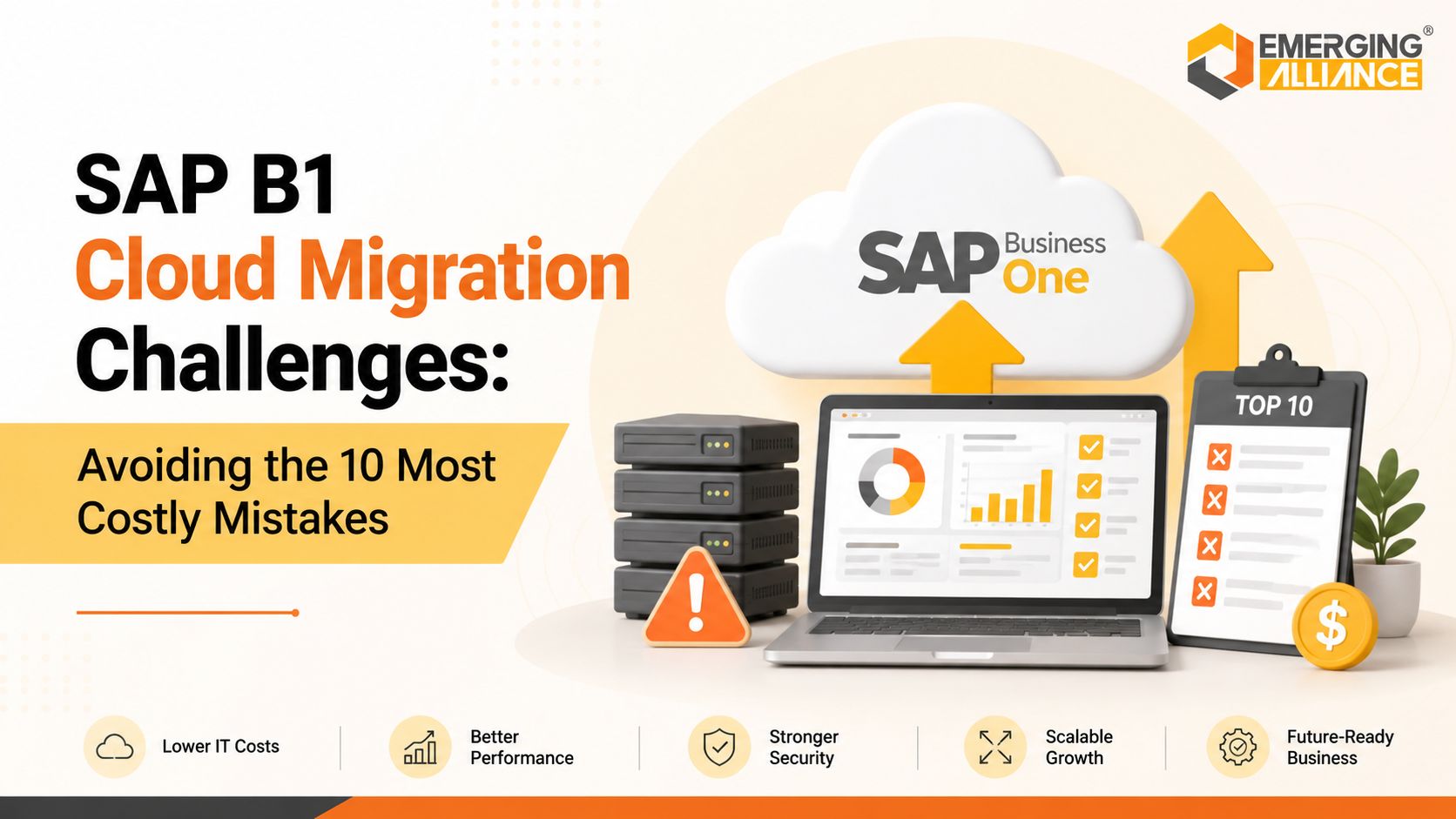
SAP B1 Cloud Migration Challenges: Avoiding the 10 Most Costly Mistakes
SAP B1 Cloud Migration Strategies for Lower Risk and Faster Success
Cloud migration is no longer just an IT initiative—it is a business strategy that directly affects operational continuity, scalability, security, and long-term profitability. Yet many organizations underestimate the complexity of moving their ERP environment to the cloud. A successful SAP B1 Cloud Migration requires more than selecting a hosting provider. It demands careful planning, business process alignment, data governance, infrastructure readiness, and change management. Organizations that rush the migration often experience unexpected downtime, increased costs, poor user adoption, and delayed ROI.
This guide explores the ten most expensive migration mistakes and explains how business leaders can reduce implementation risk while maximizing the value of their investment.
Why SAP B1 Cloud Migration Has Become a Business Priority
SAP B1 Cloud Migration enables organizations to improve business agility, reduce infrastructure costs, support remote operations, and simplify ERP scalability. For growing companies, cloud deployment also reduces dependency on aging on-premise infrastructure while improving accessibility and business continuity.
Today’s CEOs and CIOs expect ERP platforms that can scale alongside the business without requiring significant hardware investments every few years. Modern SAP Business One (SAP B1) deployments deliver exactly that—provided the migration is executed correctly.
Business leaders are increasingly choosing a cloud-based SAP B1 solution because it offers:
- Lower infrastructure management costs
- Improved disaster recovery capabilities
- Better remote accessibility
- Faster deployment of new locations
- Stronger security management
- Greater scalability for business growth
However, these benefits only materialize when the migration strategy addresses both technical and business risks.
Mistake #1: Treating SAP B1 Cloud Migration as an IT Project Only
One of the biggest migration failures occurs when leadership assumes cloud migration belongs exclusively to the IT department.
ERP systems connect finance, procurement, manufacturing, inventory, sales, customer service, and operations. Every department is affected by migration decisions.
Successful SAP B1 Cloud Implementation requires involvement from:
- Executive leadership
- Finance teams
- Operations managers
- Manufacturing leaders
- Supply chain stakeholders
- IT teams
- External implementation partners
When business users participate early, organizations avoid process gaps that often appear after go-live.
Mistake #2: Migrating Existing Problems Instead of Improving Processes
Cloud migration should not simply copy outdated workflows into a new environment.
Many organizations move years of inefficient approvals, duplicate master data, unnecessary reports, and manual workarounds directly into the cloud.
Instead, migration should become an opportunity to optimize:
- Business workflows
- Approval processes
- Inventory controls
- Financial reporting
- User roles
- Automation opportunities
An optimized SAP B1 solution delivers significantly greater business value than simply relocating existing infrastructure.
Mistake #3: Underestimating Data Quality
Poor data quality is one of the most expensive causes of ERP migration delays.
Duplicate customers, inconsistent item masters, inactive vendors, incorrect pricing, and outdated financial records create serious implementation issues.
Before beginning the SAP B1 Cloud migration process, organizations should complete:
- Master data cleansing
- Duplicate removal
- Customer validation
- Vendor standardization
- Historical data review
- Document archiving
Clean data accelerates implementation while improving reporting accuracy after go-live.
Executive Tip: A pre-migration ERP health assessment often identifies hidden data risks before they become expensive implementation delays.
Mistake #4: Ignoring Infrastructure and Network Readiness
Although cloud deployments reduce hardware management, organizations still depend on reliable connectivity.
Poor internet performance, inadequate VPN configurations, outdated user devices, and weak security policies can negatively affect user experience.
Before migration, evaluate:
- Network bandwidth
- Internet redundancy
- Endpoint readiness
- Security architecture
- User access policies
- Backup connectivity
Infrastructure readiness directly influences user satisfaction after deployment.
Mistake #5: Choosing the Wrong SAP Business One Cloud Solutions Provider
Technology alone does not guarantee project success.
The experience of your SAP Business One cloud solutions provider often determines whether the migration finishes on time, within budget, and with minimal business disruption.
Look for partners with proven expertise in:
- Industry-specific implementations
- Cloud migration experience
- Data migration methodologies
- Business process consulting
- User training
- Post-go-live support
A provider should understand business outcomes—not just technical deployment.
Mistake #6: Overlooking Security, Compliance, and Disaster Recovery
Cloud security involves much more than protecting servers.
Business leaders must ensure their SAP B1 Cloud Solution includes:
- Multi-factor authentication
- Encryption
- Role-based access
- Backup automation
- Disaster recovery planning
- Compliance controls
- Audit logging
Ignoring these areas increases operational and compliance risks while reducing stakeholder confidence.
Mistake #7: Poor Change Management and User Adoption
Even technically successful ERP migrations can fail if employees struggle to adapt.
Users who receive minimal training often continue relying on spreadsheets and manual processes.
Effective adoption requires:
- Department-specific training
- Executive sponsorship
- Process documentation
- Super-user programs
- Post-go-live support
- Continuous feedback
Technology adoption is ultimately a people initiative.
Considering cloud migration? An independent migration readiness workshop can identify organizational gaps before implementation begins, helping reduce project risk and accelerate user adoption.
Mistake #8: Not Planning for Integrations
Few ERP environments operate independently.
Most organizations integrate SAP B1 system environments with:
- CRM platforms
- Payroll systems
- eCommerce websites
- Warehouse management systems
- Banking platforms
- Business intelligence tools
- Manufacturing software
Integration planning should begin early in the project—not after migration is complete.
Mistake #9: Focusing Only on Initial Costs Instead of Long-Term ROI
Some organizations choose migration options based solely on the lowest implementation quote.
This often results in:
- Higher customization costs
- Longer implementation timelines
- Greater maintenance expenses
- Lower scalability
- Increased operational risk
Decision-makers should evaluate Total Cost of Ownership (TCO), including:
- Infrastructure savings
- Productivity improvements
- Reduced downtime
- Lower maintenance
- Faster reporting
- Business scalability
A strategic SAP Business One solution generates measurable returns long after implementation.
Mistake #10: Having No Long-Term Cloud Roadmap
Cloud migration is not the finish line.
Organizations should develop a roadmap covering:
- Continuous optimization
- Performance monitoring
- Process automation
- AI capabilities
- Business analytics
- Future integrations
- Security improvements
Businesses with a structured roadmap consistently realize greater value from their cloud investments.
Building a Successful SAP B1 Cloud Migration Strategy
Organizations that achieve successful SAP B1 Cloud Migration typically follow a structured implementation framework rather than rushing deployment.
A proven migration strategy includes:
1. Business Readiness Assessment
Evaluate existing processes, infrastructure, customizations, integrations, and business objectives.
2. Data Preparation
Clean, validate, and standardize master data before migration begins.
3. Infrastructure Planning
Assess connectivity, security, performance, and disaster recovery requirements.
4. Migration Testing
Conduct multiple testing cycles before production deployment.
5. User Enablement
Prepare employees through structured training and communication.
6. Continuous Optimization
Monitor system performance and identify opportunities for further automation after go-live.
Lower Risk, Faster ROI, and Scalable Growth with SAP B1 Cloud Migration
For CEOs, CIOs, and Operations Leaders, the success of SAP B1 Cloud Migration is measured by business outcomes—not technical milestones. A well-executed migration reduces operational risk, improves system availability, accelerates decision-making, and creates a scalable ERP foundation that supports future growth.
Organizations that invest in proper planning, experienced implementation expertise, clean data, and structured governance consistently achieve faster user adoption, lower total cost of ownership, improved reporting visibility, and stronger return on investment. Cloud migration becomes a strategic business enabler rather than a disruptive infrastructure project.
Frequently Asked Questions
1. How long does a typical SAP B1 Cloud Migration take?
The timeline depends on company size, customizations, integrations, and data quality. Most mid-sized organizations complete migration within several weeks to a few months when planning and testing are managed effectively.
2. Can existing SAP Business One customizations be migrated to the cloud?
Yes, but each customization should be reviewed before migration. Some legacy custom developments may require redesign or replacement with standard functionality to improve long-term maintainability.
3. Should businesses migrate all historical ERP data?
Not necessarily. Many organizations migrate active operational data while archiving older records separately. This approach reduces migration complexity and improves system performance.
4. What is the biggest business risk during SAP B1 Cloud Migration?
The greatest risk is inadequate planning. Poor data quality, insufficient user training, weak governance, and incomplete testing often create more business disruption than technical challenges.
5. How can companies reduce downtime during migration?
Downtime can be minimized through phased migration planning, multiple testing cycles, cutover rehearsals, and carefully scheduled go-live windows outside critical business periods.
6. Is cloud deployment more secure than on-premise SAP B1?
Cloud environments can provide stronger security when implemented correctly, including encryption, continuous monitoring, automated backups, role-based access, and disaster recovery capabilities.
7. What should executives evaluate when selecting a SAP Business One cloud solutions provider?
Beyond technical expertise, assess industry experience, implementation methodology, migration success history, support capabilities, security knowledge, and long-term consulting expertise.
8. Will SAP B1 Cloud Migration improve reporting performance?
Yes, when supported by clean data, optimized processes, and properly configured infrastructure. Cloud deployments often provide faster access to real-time operational insights and business analytics.
9. How important is user training after migration?
User adoption is one of the strongest predictors of ERP success. Structured training, role-specific guidance, and ongoing support help employees use the new environment effectively from day one.
10. What are the key success factors for SAP B1 Cloud Migration?
Successful projects combine executive sponsorship, business process optimization, high-quality data, experienced implementation partners, comprehensive testing, user adoption planning, and continuous post-go-live improvement. These factors significantly reduce project risk while maximizing long-term business value.
Talk to Our Experts – Book a Free Cloud Migration Demo