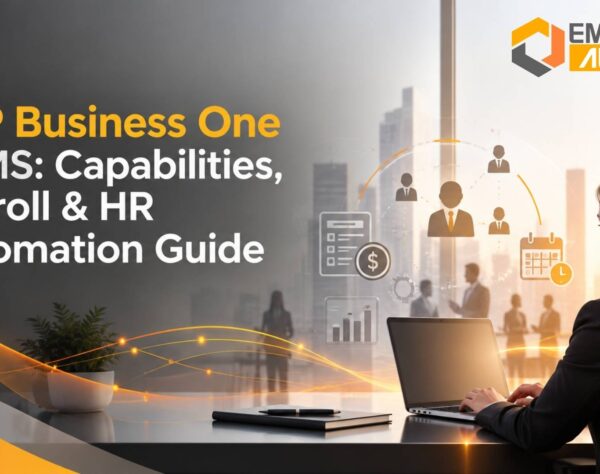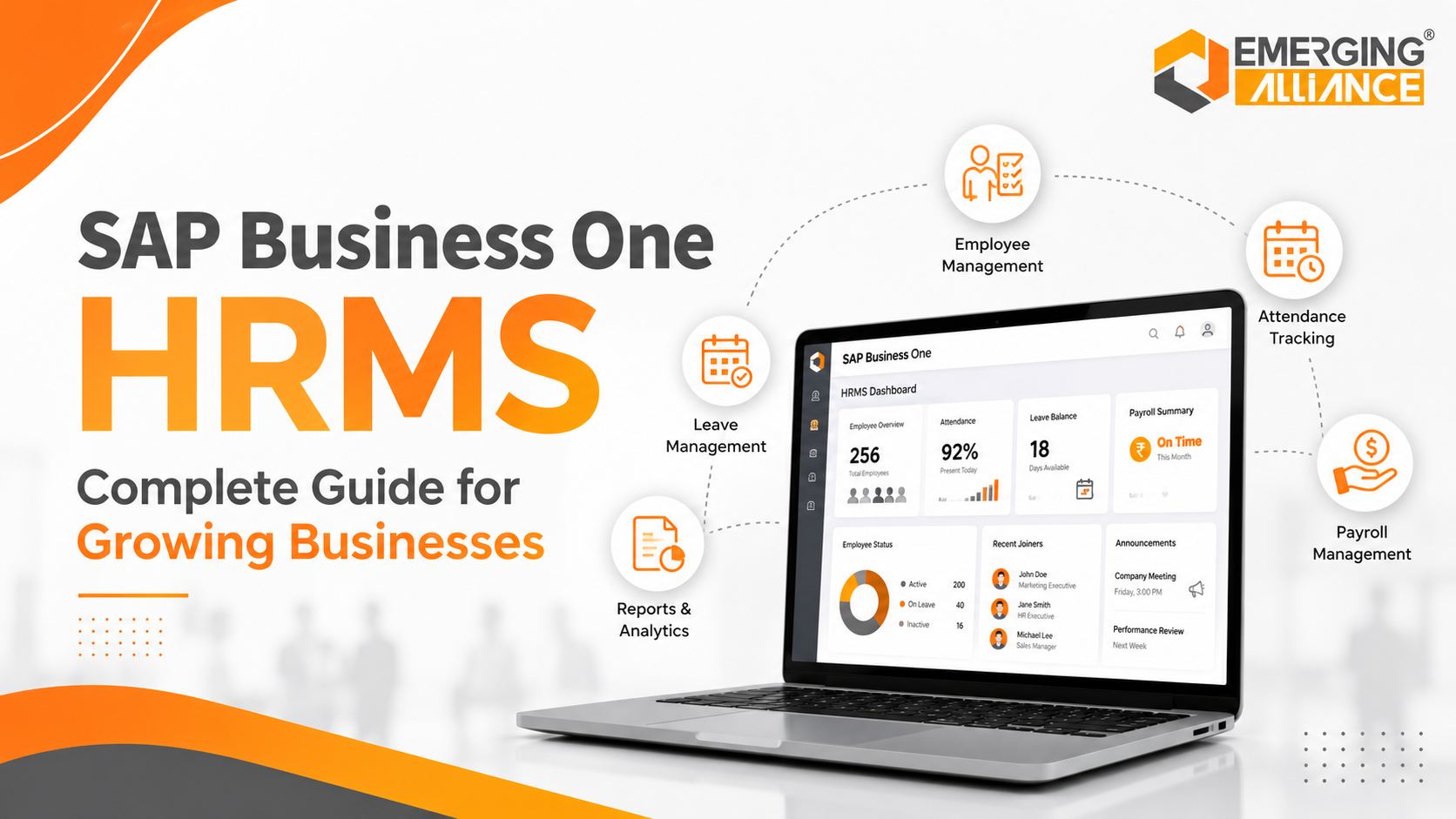
SAP Business One HRMS Complete Guide for Growing Businesses
SAP Business One HRMS simplifying HR management and operational efficiency
As a business expands, managing employees through spreadsheets, emails, disconnected payroll tools, and manual attendance records becomes increasingly difficult.
HR teams spend more time consolidating information, correcting payroll errors, tracking approvals, and preparing reports. Business leaders, meanwhile, lack a reliable view of workforce costs, employee availability, departmental capacity, and compliance obligations.
SAP Business One HRMS refers to an HR management solution designed to work with the SAP Business One environment. Depending on the selected solution, it can centralize employee information, attendance, leave, payroll, recruitment, performance management, employee self-service, and HR reporting.
For growing businesses, the value lies not only in digitizing HR records but also in connecting workforce processes with finance and business operations.
When correctly selected and implemented, an HRMS for SAP Business One can reduce administrative effort, improve payroll accuracy, strengthen workforce visibility, and create scalable HR processes.
What Is SAP Business One HRMS?
SAP Business One HRMS is a Human Resource Management System that integrates or exchanges data with SAP Business One to support employee and workforce management.
It provides HR teams with a centralized environment for managing employee records and automating recurring HR activities. Depending on the product, localization, and implementation scope, capabilities may include:
- Employee master data
- Attendance and shift management
- Leave administration
- Payroll processing or payroll integration
- Recruitment and onboarding
- Performance management
- Employee self-service
- HR analytics
- Statutory and policy compliance
It is important to note that advanced HR and payroll capabilities may be delivered through an SAP-compatible add-on, localized payroll solution, or partner-developed application rather than through a single standard SAP Business One module.
How SAP Business One HRMS Works with ERP
A major advantage of an integrated HRMS is the ability to connect workforce transactions with financial and operational processes.
For example:
- Approved payroll values can be posted to finance.
- Employee cost data can support departmental budgeting.
- Attendance and overtime can feed payroll calculations.
- Employee reimbursements can connect with accounting workflows.
- HR reports can support resource and capacity planning.
This reduces duplicate data entry and helps HR, finance, and operations work from more consistent information.
Which Businesses Benefit Most?
SAP B1 HRMS is particularly relevant for businesses that:
- Have outgrown spreadsheets or basic payroll software
- Operate across multiple branches, plants, stores, or offices
- Manage shifts, overtime, or biometric attendance
- Need stronger payroll and statutory controls
- Want employee self-service capabilities
- Require better visibility into workforce costs
- Expect headcount or geographic expansion
- Already use SAP Business One and want connected HR processes
Manufacturing, distribution, retail, healthcare, logistics, and service organizations often gain significant value because workforce data affects both operational planning and financial control.
Core Features of SAP Business One HRMS
The exact feature set depends on the selected SAP Business One HR Software or add-on. However, most comprehensive solutions cover the following areas.
Centralized Employee Master Data
Employee master data creates a reliable record for each employee, including:
- Personal and contact details
- Employment history
- Job title and department
- Reporting manager
- Salary structure
- Qualifications and certifications
- Skills and experience
- Documents and contracts
- Bank and statutory information
Centralized records reduce dependence on separate files and help authorized teams access current information.
Role-based permissions should be configured to ensure that sensitive employee and payroll data is available only to approved users.
Attendance, Shift, and Leave Management
Manual attendance tracking can create inconsistencies in payroll and workforce scheduling.
SAP Business One HRMS may support:
- Shift planning
- Biometric or device integration
- Clock-in and clock-out records
- Late arrival and early departure rules
- Overtime calculations
- Holiday calendars
- Leave requests and approvals
- Leave balances
- Absence tracking
For a manufacturing business, integrated attendance data can help supervisors identify staffing gaps before a production shift begins. HR teams can also avoid manually reconciling attendance records at the end of every payroll cycle.
Payroll Automation and Integration
Payroll becomes difficult to manage when attendance, leave, employee records, incentives, deductions, and statutory rules are stored in different systems.
A suitable SAP Business One Payroll solution can consolidate these inputs to support:
- Salary calculations
- Allowances and deductions
- Overtime processing
- Incentive calculations
- Loan and advance recovery
- Payslip generation
- Statutory calculations
- Payroll reports
- Finance posting
Payroll functionality must be assessed against the organization’s country, state, industry, and statutory requirements. Businesses should confirm that the chosen solution supports the necessary localization and receives regulatory updates.
Employee Self-Service
Employee self-service allows employees to complete routine HR activities without depending on HR for every request.
Based on the solution, employees may be able to:
- Apply for leave
- View leave balances
- Download payslips
- Review attendance
- Submit reimbursement requests
- Update selected personal details
- Access HR documents
- Track approval status
Managers may also receive dashboards for approving leave, attendance adjustments, expenses, or employee requests.
This reduces administrative workload and improves service responsiveness.
Recruitment and Onboarding
Growing businesses need a repeatable process for moving candidates from application to productive employment.
Recruitment and onboarding functionality may include:
- Job requisitions
- Candidate records
- Interview tracking
- Offer management
- Document collection
- Joining checklists
- Induction tasks
- Asset allocation
- Department and reporting assignments
A standardized onboarding workflow can ensure that IT access, equipment, documentation, payroll registration, and training are completed on time.
Performance Management
Performance management tools help businesses move from informal reviews to measurable employee development.
Common capabilities include:
- Goal setting
- Key performance indicators
- Appraisal cycles
- Manager feedback
- Competency assessments
- Development plans
- Performance history
The goal is not simply to digitize appraisal forms. A well-designed process should connect employee objectives with departmental and business priorities.
HR Reports and Workforce Analytics
HR analytics provide decision-makers with a clearer view of workforce capacity, cost, and risk.
Useful reports may include:
- Headcount by department or location
- Payroll cost trends
- Attendance and absenteeism
- Overtime levels
- Employee turnover
- Recruitment status
- Leave utilization
- Contract or document expiry
- Workforce demographics
- Training and certification status
These insights help CEOs, CFOs, HR leaders, and operations managers plan recruitment, control costs, and address workforce risks earlier.
Compliance and Audit Support
An HRMS can support compliance by maintaining structured records, approval histories, policy controls, and audit trails.
Depending on the solution and localization, it may help manage:
- Employee documentation
- Payroll records
- Statutory deductions
- Expiry reminders
- Approval controls
- Policy adherence
- Historical changes
- Payroll and HR audit reports
However, software alone does not guarantee compliance. Businesses must configure the system correctly, maintain current rules, and involve qualified HR, payroll, finance, or legal professionals where necessary.
SAP Business One HRMS Business Benefits
Lower HR Administration
Automation reduces repetitive work such as consolidating attendance, calculating leave balances, preparing payroll inputs, and responding to routine employee requests.
This gives HR teams more capacity for recruitment, employee development, retention, workforce planning, and organizational improvement.
Greater Payroll Accuracy
Connecting employee records, attendance, leave, overtime, and approved adjustments reduces manual re-entry.
Fewer manual touchpoints generally mean fewer calculation errors, corrections, delayed salaries, and reconciliation issues.
Better Workforce Productivity
Managers gain clearer information about attendance, employee availability, overtime, absences, and departmental capacity.
This improves workforce allocation and reduces the operational impact of unexpected staffing gaps.
Stronger Workforce Planning
Real-time or regularly updated HR information can help leaders answer questions such as:
- Which departments are understaffed?
- Where is overtime increasing?
- Which roles are difficult to fill?
- What is the total workforce cost?
- Which employee contracts or certifications require action?
- How will planned expansion affect recruitment?
These insights support better budgeting and resource planning.
Improved Employee Experience
Self-service access, transparent approval workflows, accurate payroll, and faster responses can improve employee confidence in HR processes.
Employees spend less time following up on leave, attendance corrections, payslips, or routine requests.
Scalable HR Processes
Processes that work for 50 employees may become difficult to control at 200 or 500 employees.
A scalable SAP B1 HRMS provides consistent workflows across departments, locations, and business units while reducing the need to increase administrative headcount at the same rate as workforce growth.
Manual HR Processes vs SAP Business One HRMS
| HR Area | Manual or Disconnected Approach | Integrated HRMS Approach |
|---|---|---|
| Employee records | Multiple files and spreadsheets | Centralized employee master data |
| Attendance | Manual consolidation | Automated capture and validation |
| Leave | Email or paper approvals | Workflow-based requests and approvals |
| Payroll inputs | Re-entered from multiple sources | Integrated attendance and employee data |
| Reporting | Prepared after data consolidation | Faster dashboards and structured reports |
| Employee requests | HR-dependent | Employee self-service |
| Compliance records | Distributed and difficult to audit | Controlled records and audit trails |
| Workforce planning | Historical and fragmented data | Current workforce and cost visibility |
Best Practices for SAP Business One HRMS Implementation
Define Measurable Business Objectives
Begin with clear outcomes rather than a long feature list.
Possible objectives include:
- Reducing payroll preparation time
- Improving attendance accuracy
- Shortening leave approval cycles
- Reducing HR service requests
- Improving workforce cost visibility
- Strengthening statutory controls
These objectives should become implementation KPIs.
Standardize HR Workflows
Automating inconsistent processes creates digital inconsistency.
Before configuring the system, document and standardize:
- Attendance rules
- Shift policies
- Leave types
- Approval levels
- Salary components
- Payroll cut-off dates
- Employee categories
- Onboarding and exit processes
Prepare and Validate Employee Data
Employee data should be cleaned before migration.
Review duplicate records, incomplete documents, outdated salary structures, inconsistent department names, inactive employees, and missing statutory details.
Test migrated data before going live.
Verify Payroll Localization
Payroll rules vary by country and may also vary by state, industry, employee category, or company policy.
Confirm that the solution supports:
- Applicable statutory calculations
- Required payroll reports
- Local salary structures
- Regulatory updates
- Retroactive adjustments
- Finance integration
- Audit requirements
Integrate Attendance and Payroll Carefully
Attendance devices may contain missing punches, duplicates, or incorrect employee mappings.
Define validation rules, exception approvals, payroll cut-off processes, and fallback procedures before integration.
Train Every User Group
Training should be based on responsibilities.
HR teams need process and administration training. Finance teams need payroll posting and reconciliation guidance. Managers need workflow and dashboard training. Employees need simple self-service instructions.
Monitor HRMS Performance
Track KPIs such as:
- Payroll processing time
- Payroll correction rate
- Attendance exception volume
- Leave approval turnaround
- Employee self-service adoption
- HR request volume
- Data completeness
- User adoption
Use these measurements to refine the system after launch.
SAP Business One HRMS Selection Checklist
Before choosing a solution, confirm:
- Does it integrate with your SAP Business One environment?
- Does it support your country’s payroll and statutory requirements?
- Can it manage your attendance and shift complexity?
- Does it support employee and manager self-service?
- Are access permissions and audit trails available?
- Can it scale across locations and employee growth?
- Are reports configurable for HR, finance, and management?
- Who provides regulatory updates and ongoing support?
- Is mobile access required and supported?
- Can the partner demonstrate similar industry experience?
Why Choose Emerging Alliance for SAP Business One HRMS?
A successful HRMS project requires more than software configuration. It requires alignment across HR policies, payroll rules, finance integration, attendance processes, employee data, and user adoption.
Emerging Alliance supports organizations with:
- SAP Business One consulting
- HRMS and payroll process assessment
- Industry-aligned solution design
- Data preparation and migration
- Attendance and payroll integration
- Workflow configuration
- Compliance-focused deployment
- User training
- Post-go-live support
- Continuous process optimization
The objective is to create an HR management environment that supports daily operations while preparing the business for future workforce growth.
Conclusion
Growing businesses cannot rely indefinitely on spreadsheets, emails, and disconnected HR systems.
SAP Business One HRMS can centralize employee information, automate recurring HR activities, improve payroll coordination, support workforce planning, and strengthen operational control.
The business value depends on selecting the right SAP-compatible solution, validating payroll and compliance requirements, standardizing workflows, preparing accurate employee data, and working with an implementation partner that understands both HR and ERP processes.
With the right strategy, SAP Business One HRMS becomes more than an administrative system. It becomes a foundation for scalable workforce management and informed business growth.
Frequently Asked Questions
Is HRMS included as standard in SAP Business One?
SAP Business One includes basic employee-related functionality, but advanced HR, payroll, attendance, recruitment, and self-service capabilities are commonly provided through compatible add-ons, localized solutions, or integrations.
Can SAP Business One HRMS process payroll?
Payroll capability depends on the selected solution and country localization. A suitable product can automate salary calculations, deductions, attendance inputs, statutory components, payslips, reports, and finance posting.
Which industries can use SAP B1 HRMS?
It is suitable for manufacturing, distribution, retail, healthcare, logistics, professional services, and other growing businesses that need structured HR, attendance, payroll, and workforce processes.
Can an HRMS integrate with biometric attendance systems?
Many SAP-compatible HRMS solutions can integrate with biometric or attendance devices. Compatibility, data validation, exception handling, and device mapping should be confirmed during solution assessment.
How does SAP Business One HRMS improve workforce planning?
It provides structured information on headcount, attendance, payroll costs, turnover, overtime, recruitment, and employee availability, helping leaders make better staffing and budgeting decisions.
How long does an SAP Business One HRMS implementation take?
The timeline depends on employee volume, locations, payroll complexity, data quality, integrations, workflows, and localization. A phased implementation is often safer than deploying every function simultaneously.
What should businesses check before selecting an HRMS?
Businesses should evaluate SAP Business One integration, payroll localization, attendance requirements, reporting, security, scalability, mobile access, regulatory updates, partner expertise, and ongoing support.
Modernize Workforce Management with Emerging Alliance
Emerging Alliance can help you assess your current HR processes, define integration requirements, select the appropriate SAP Business One HRMS solution, and develop a practical implementation roadmap.
Book a personalized SAP Business One HRMS consultation and live demo to explore how your organization can automate HR, payroll, attendance, and workforce reporting.