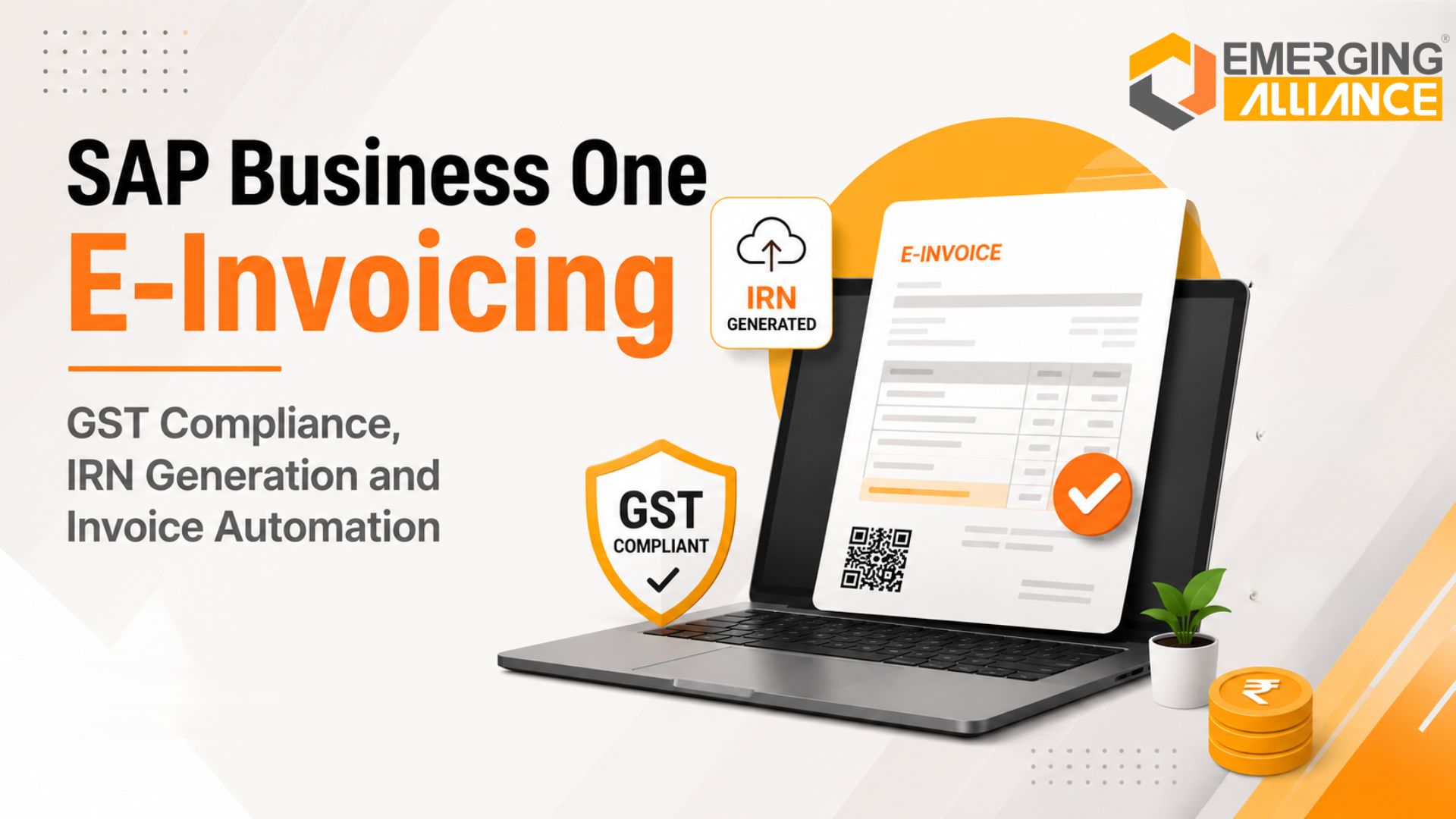
SAP Business One E Invoicing: GST Compliance, IRN Generation and Invoice Automation
Quick Answer: What Is SAP Business One E-Invoicing?
SAP Business One E-Invoicing helps eligible businesses report GST invoice data to an authorized Invoice Registration Portal directly through an integrated ERP workflow.
Depending on the configured SAP Business One localization, GST solution or implementation add-on, the system can validate invoice information, submit eligible documents, retrieve the Invoice Reference Number and signed QR code, update the invoice record and track submission status.
This reduces duplicate data entry, shortens billing cycles, improves invoice visibility and creates a more reliable audit trail. However, successful compliance still depends on accurate master data, correct GST configuration, timely reporting and regular regulatory updates.
What Is SAP Business One E-Invoicing?
SAP Business One E-Invoicing is an integrated process for managing GST e-invoice reporting from SAP Business One.
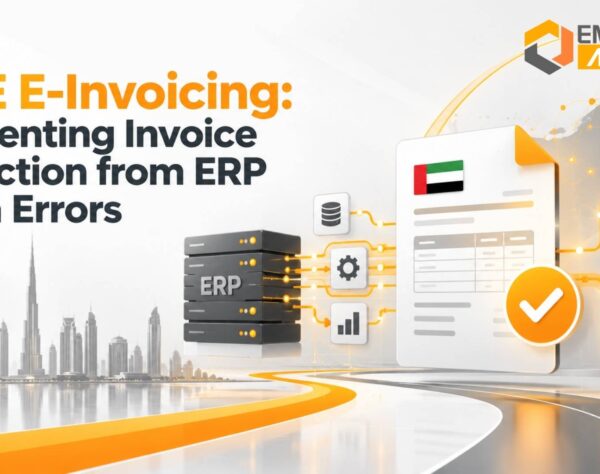
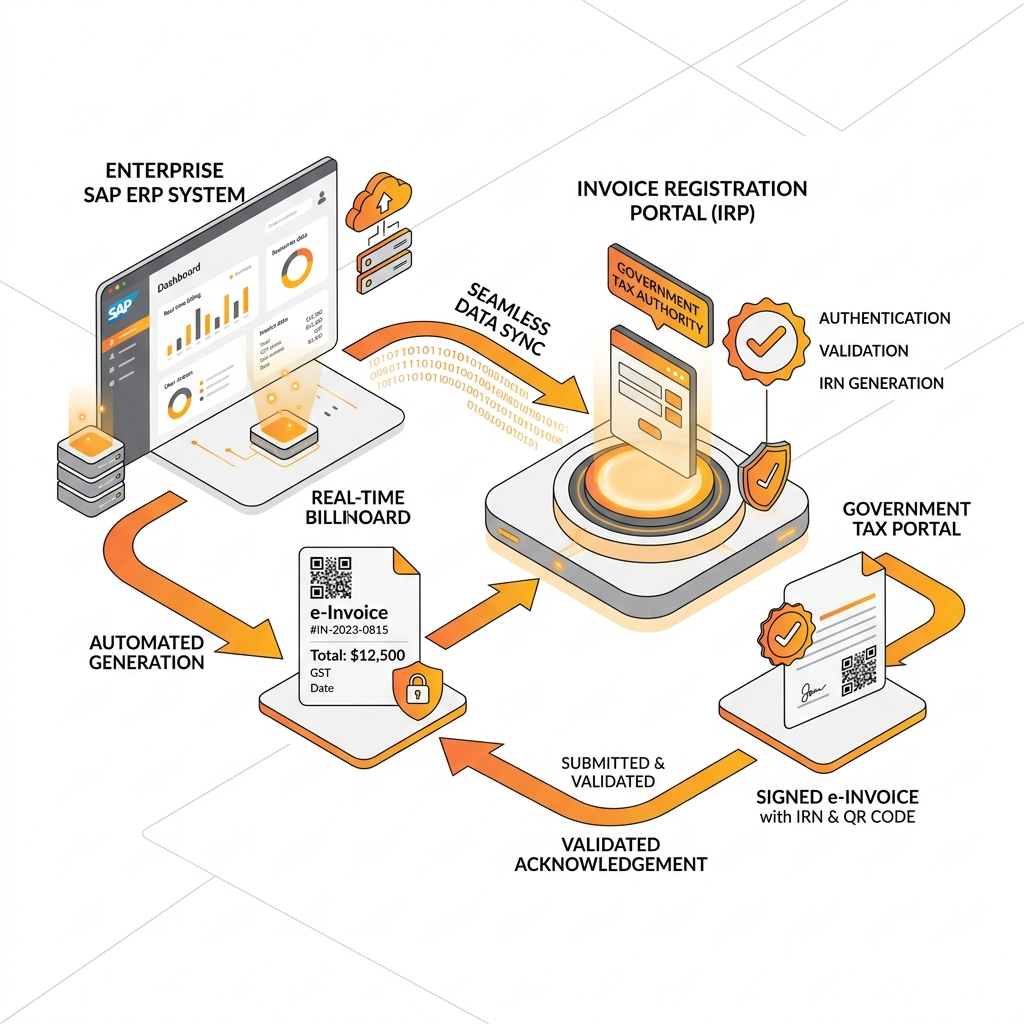
A business first creates the invoice in SAP Business One using its customer, item, pricing and tax data. The configured e-invoicing integration then converts the relevant information into the prescribed schema and submits it to an authorized Invoice Registration Portal.
After validation, the IRP returns:
- Invoice Reference Number
- Signed invoice data
- Signed QR code
- Acknowledgement number
- Acknowledgement date
- Validation or rejection response
The response can then be stored against the corresponding SAP Business One document.
This is different from creating an invoice on the government portal. The commercial invoice is created in the ERP; the prescribed invoice data is reported to the IRP for registration.
Current GST E-Invoicing Applicability in India
GST e-invoicing generally applies to notified registered persons whose aggregate annual turnover reached ₹5 crore or more in any financial year from 2017–18 onward.
The ₹5 crore threshold became effective on August 1, 2023. Aggregate turnover is normally evaluated at the PAN level across GST registrations, not separately for each branch or GSTIN.
E-invoicing primarily covers notified transactions such as:
- B2B tax invoices
- Export invoices
- Debit notes
- Credit notes
- Supplies to applicable registered recipients
Certain notified classes of taxpayers and transactions are exempt. Businesses should therefore confirm applicability based on their turnover history, entity type, GST registrations and transaction profile.
The 30-Day E-Invoice Reporting Rule
From April 1, 2025, taxpayers with aggregate annual turnover of ₹10 crore or more must report applicable invoices, debit notes and credit notes to the IRP within 30 days of the document date.
When a document falls outside this reporting window, IRN generation may be restricted. This makes timely ERP-to-IRP integration particularly important for businesses with high invoice volumes, decentralised billing or lengthy approval workflows.
Because GST requirements can change, businesses should validate the latest rules with official GST sources or a qualified tax adviser before implementation.
Why Growing Businesses Need an Integrated E-Invoicing Process
Manual e-invoicing may appear manageable when invoice volumes are low. It becomes increasingly difficult as a business adds customers, branches, products, tax registrations and approval layers.
Finance teams may have to:
- Export invoice information from the ERP
- Correct the data in spreadsheets
- Upload files to an external utility
- Track IRN generation separately
- Download QR codes or responses
- Update the ERP manually
- Investigate rejected documents
- Maintain separate compliance records
Every handoff creates additional effort and another opportunity for error.
An integrated SAP Business One e-invoicing workflow allows finance teams to manage invoice creation, validation, reporting and status tracking in one operational environment. It does not remove the need for governance, but it makes the process more controlled and scalable.
Common Problems with Manual GST E-Invoicing
Repeated Data Entry
Entering customer, tax and invoice information in more than one system increases the risk of inconsistent values. A single incorrect GSTIN, HSN code, document number or tax amount can cause an IRP rejection.
Delayed IRN Generation
When invoice files are uploaded in batches or handled by a limited number of employees, IRN generation may be delayed. That can postpone invoice dispatch, customer acceptance and payment processing.
Poor Rejection Visibility
External utilities may not provide business users with a consolidated view of pending, accepted, rejected and cancelled documents. Teams then rely on emails, spreadsheets or portal checks to identify exceptions.
Weak Audit Trails
When invoice records, IRNs, QR codes and error responses are stored in different locations, retrieving complete evidence for an audit or internal review becomes difficult.
Limited Scalability
Manual work increases almost proportionally with transaction volume. As the business grows, finance headcount and correction effort may also rise unless the workflow is automated.
Greater Deadline Risk
For taxpayers covered by reporting restrictions, delayed processing can prevent timely IRN generation. Disconnected approval and invoicing systems make this risk harder to control.
| Manual E-Invoicing Process | SAP Business One Integrated Workflow |
|---|---|
| Repeated manual entry across portals | Single ERP document creation & automatic sync |
| Delayed batch uploads & dispatch lags | Real-time API submission to IRP |
| Inconsistent rejection visibility | Centralized dashboards & exception queues |
| Fragmented compliance records | Complete digital audit trail within SAP B1 |
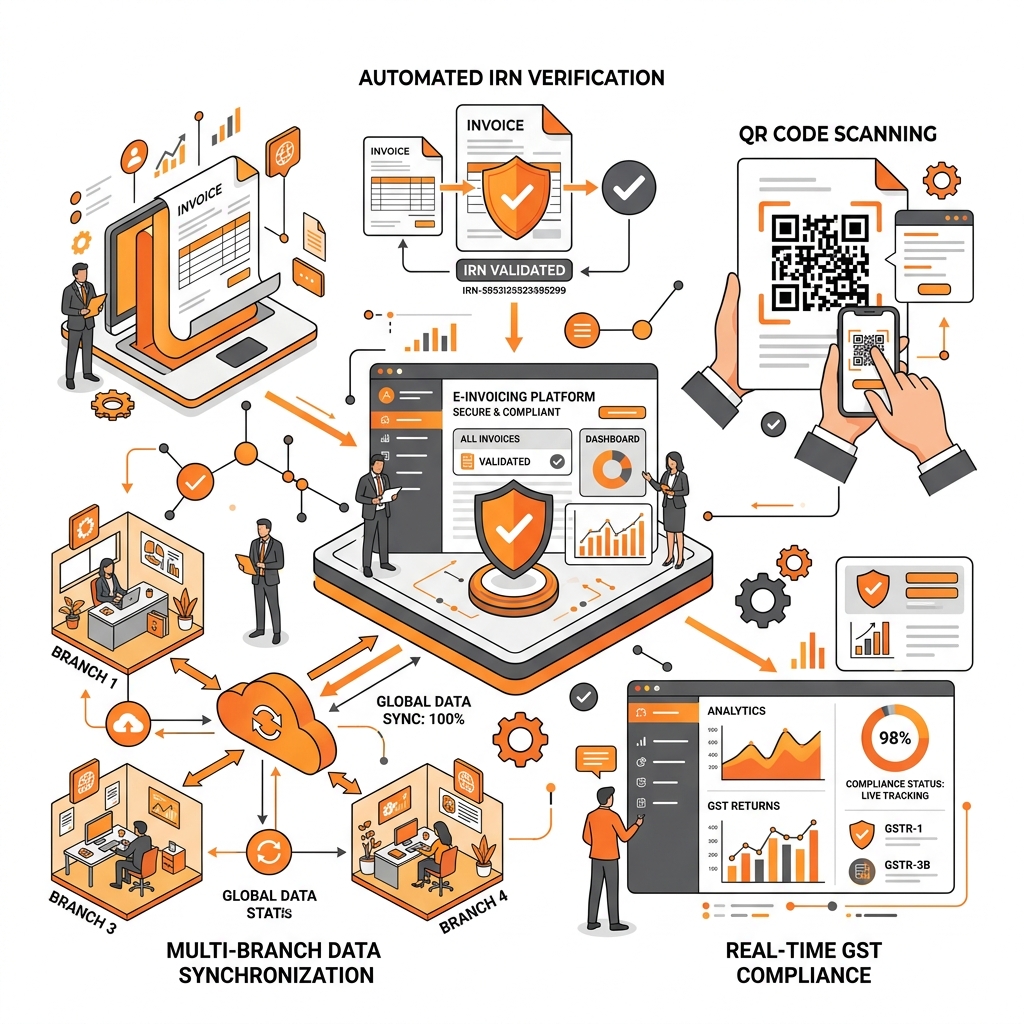
How SAP Business One E-Invoicing Works
The exact process depends on the company’s SAP Business One version, localization, integration architecture and implementation partner. A typical workflow follows these stages.
Create the Invoice in SAP Business One
The user creates an eligible invoice, credit note or debit note using customer, item, pricing and GST information stored in SAP Business One.
Validate Mandatory Information
The solution checks relevant fields before submission including GSTINs, document type, date, HSN codes, and taxable values.
Convert Data into the Required Schema
The integration maps SAP Business One fields to the applicable e-invoice schema.
Submit the Document to an Authorized IRP
The solution sends the structured invoice data to the configured IRP through secure APIs.
Receive the IRN and Signed QR Code
When the document passes validation, the portal returns the IRN and signed QR code which are written back to SAP Business One.
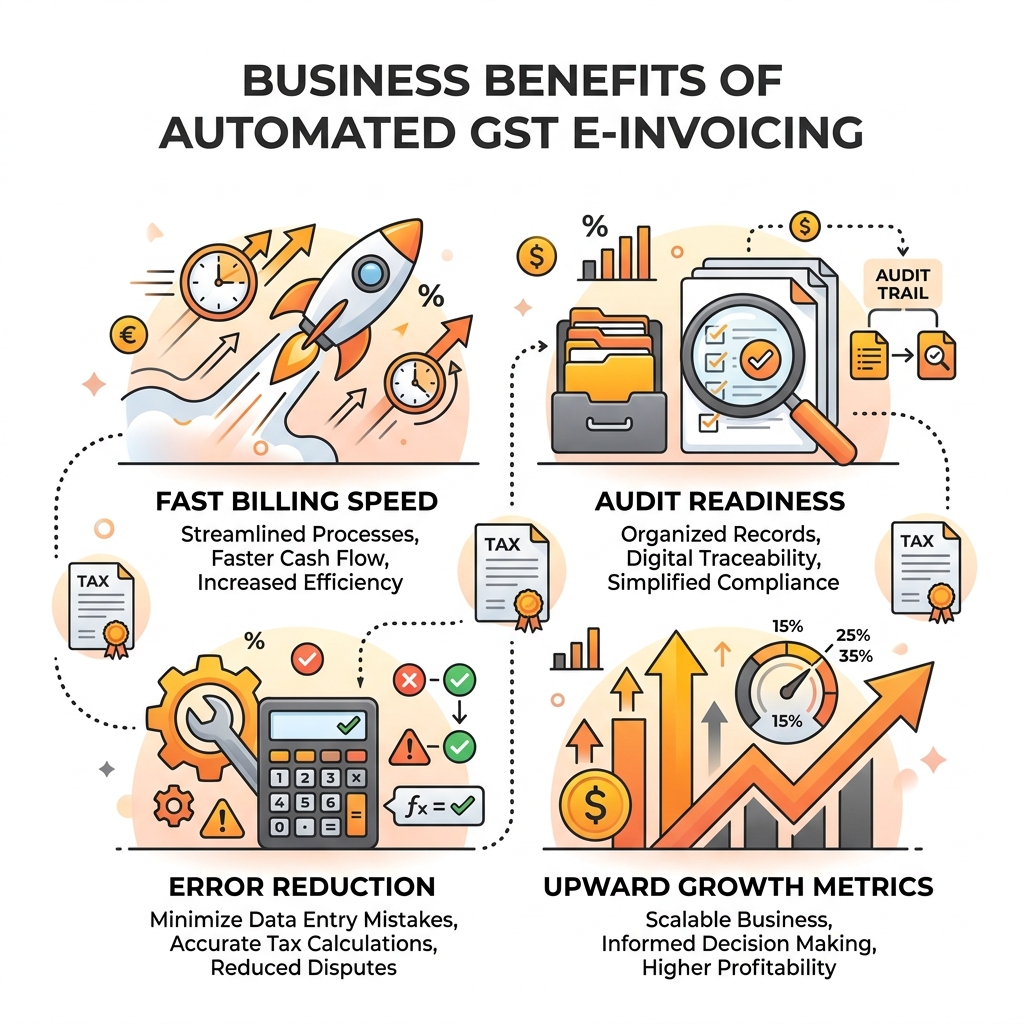
Important SAP Business One E-Invoicing Features
Automated IRN Generation
Eligible invoice data can be submitted from the ERP workflow, reducing manual JSON preparation.
Signed QR Code Retrieval
After successful registration, the solution retrieves the signed QR code for the invoice print layout.
Pre-Submission Validation
Validation rules identify incomplete master data and tax inconsistencies before submission.
Real-Time Status Tracking
Users can view registration status directly from SAP Business One dashboards.
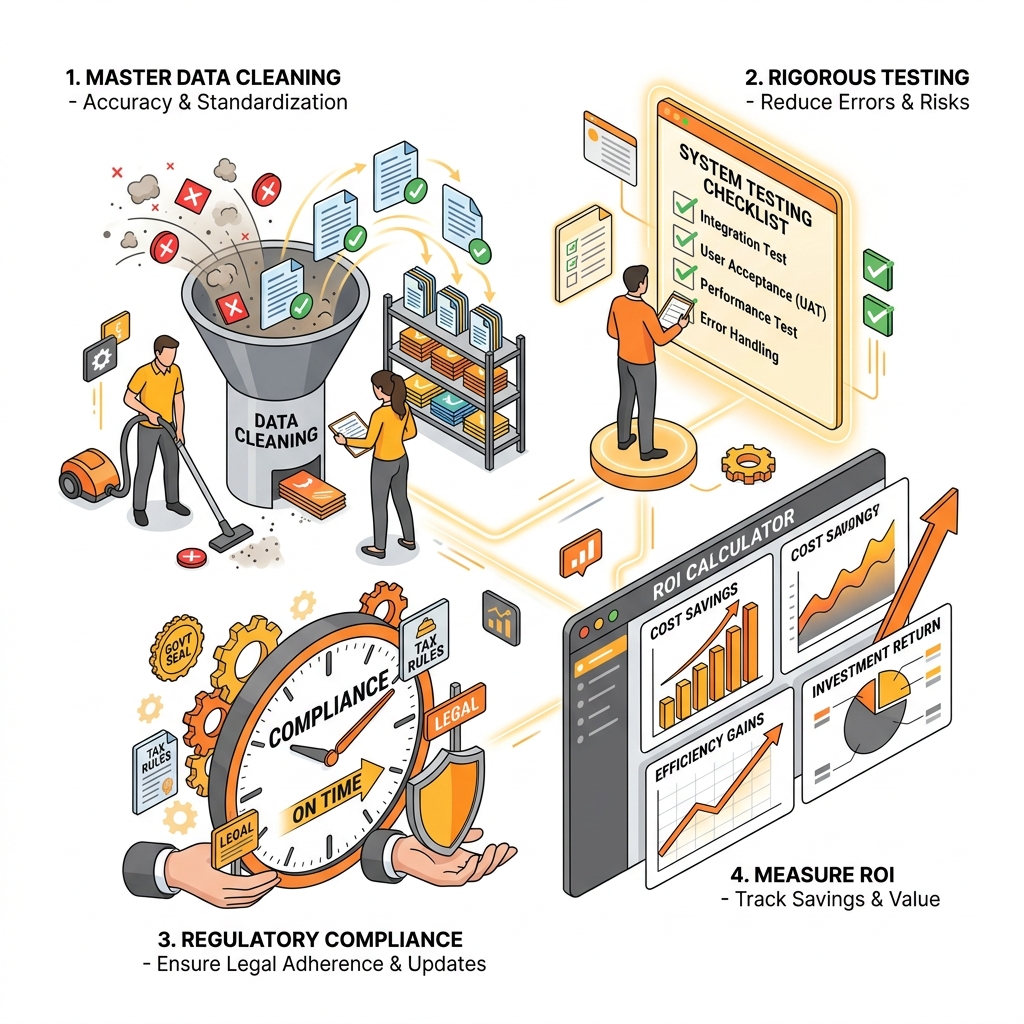
Business Benefits of SAP Business One E-Invoicing
Faster billing cycles, zero duplicate data entry, 100% audit readiness, and improved finance productivity.
Implementation Best Practices
Confirm applicability, clean master data, map every transaction scenario, define exception ownership, and test the complete workflow prior to go-live.
Measuring the ROI of E-Invoicing Automation
Track invoice processing time, rejection rates, manual correction costs, and billing cycle acceleration.
Choosing an SAP Business One E-Invoicing Partner
Select an experienced implementation partner capable of evaluating GST applicability, reviewing ERP configurations, and designing robust exception workflows.
Why Emerging Alliance?
Emerging Alliance provides comprehensive SAP Business One e-invoicing integration services, combining deep ERP expertise with GST compliance best practices.
Conclusion
GST e-invoicing is an essential financial process for growing Indian businesses. Integrating e-invoicing with SAP Business One creates a scalable, transparent, and compliant billing workflow.
Frequently Asked Questions
Ready to Improve Your GST E-Invoicing Process?
Ready to modernize your invoicing operations?
Speak with Emerging Alliance to assess your current invoicing process, SAP Business One configuration, GST data and IRP integration requirements.